 NEWS 250407/250405 ABOUT ExLight
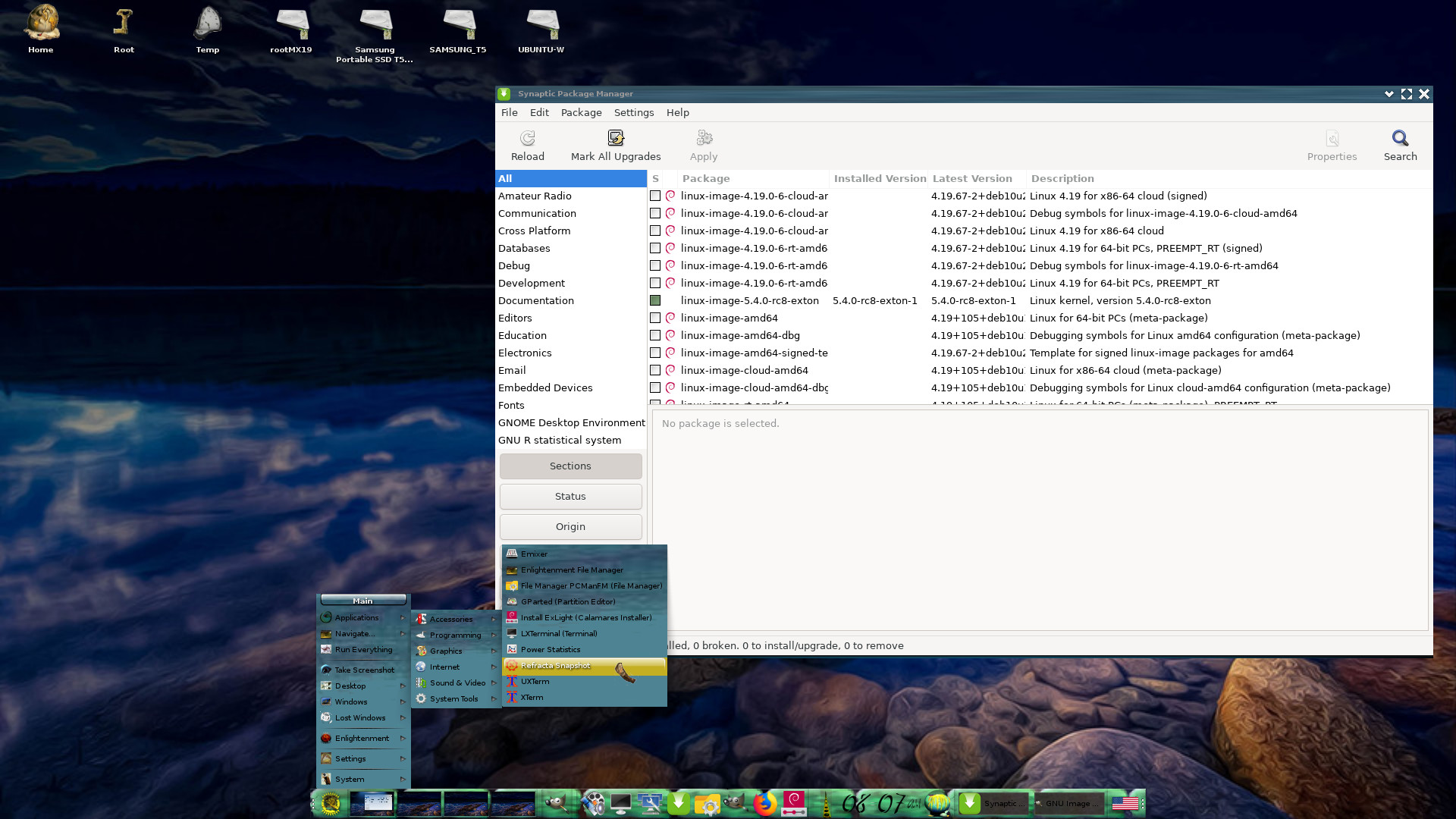
I’ve made a new version of ExLight with the Enlightenment 0.27.1 Desktop environment, Refracta Snapshot (create your own Debian Sid/Trixie System) and Calamares 3.3.14-1 Installer Framework.
New sources 250405
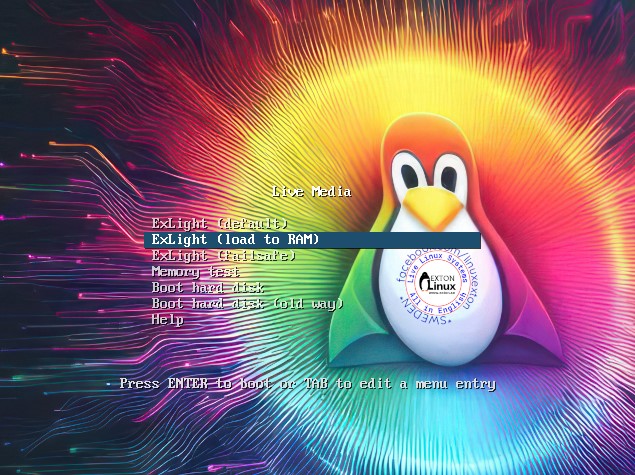
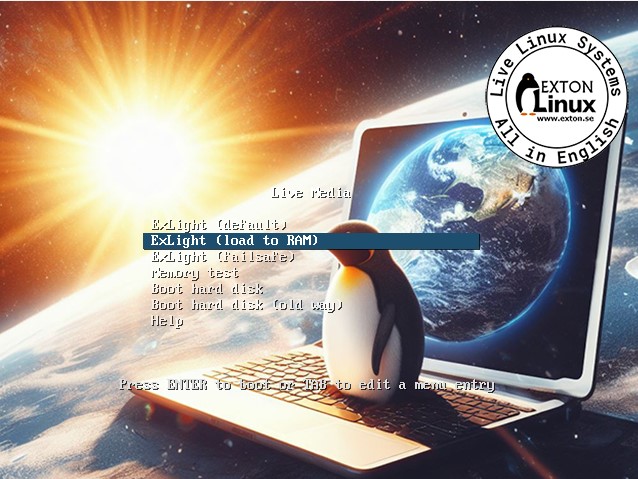
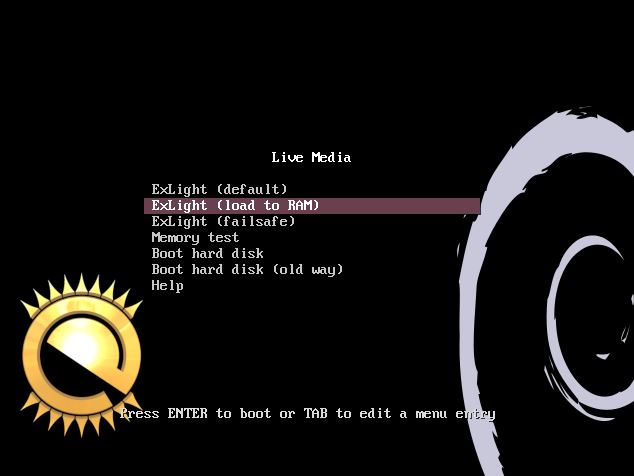
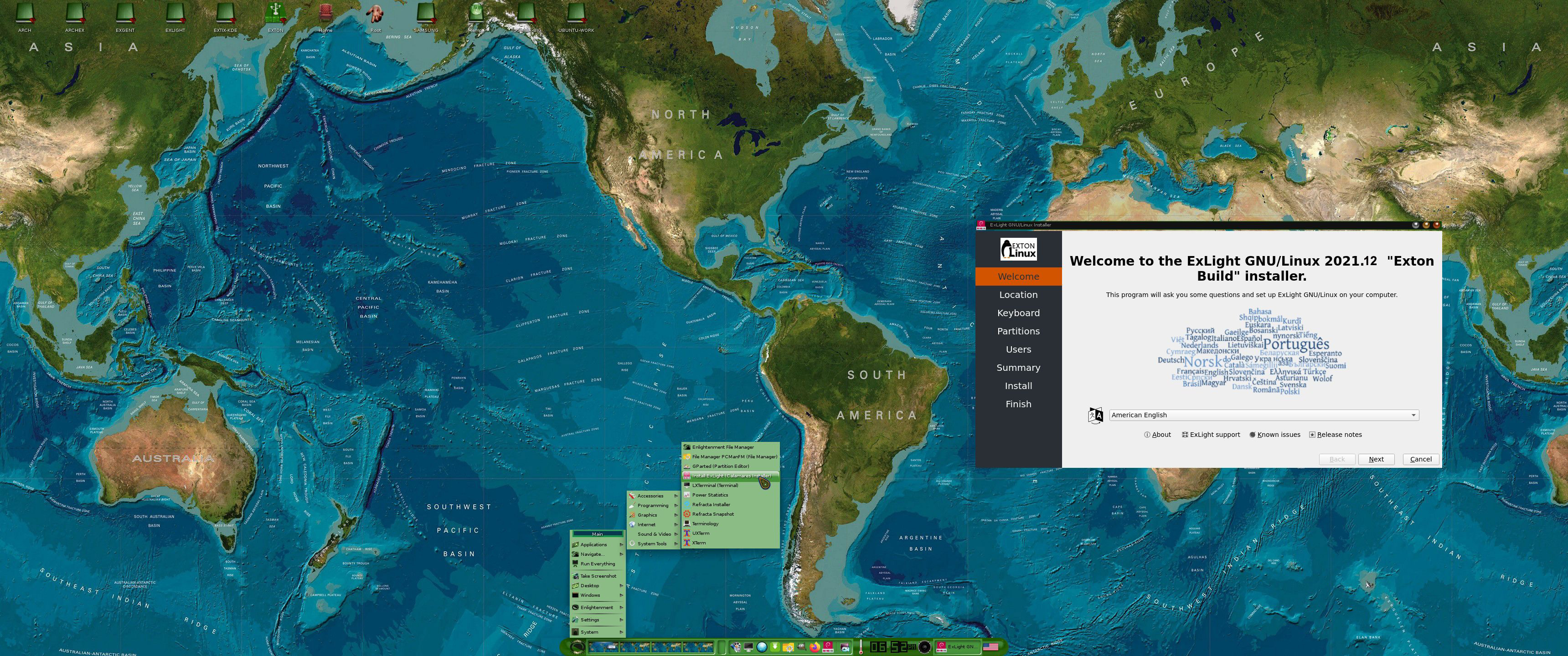
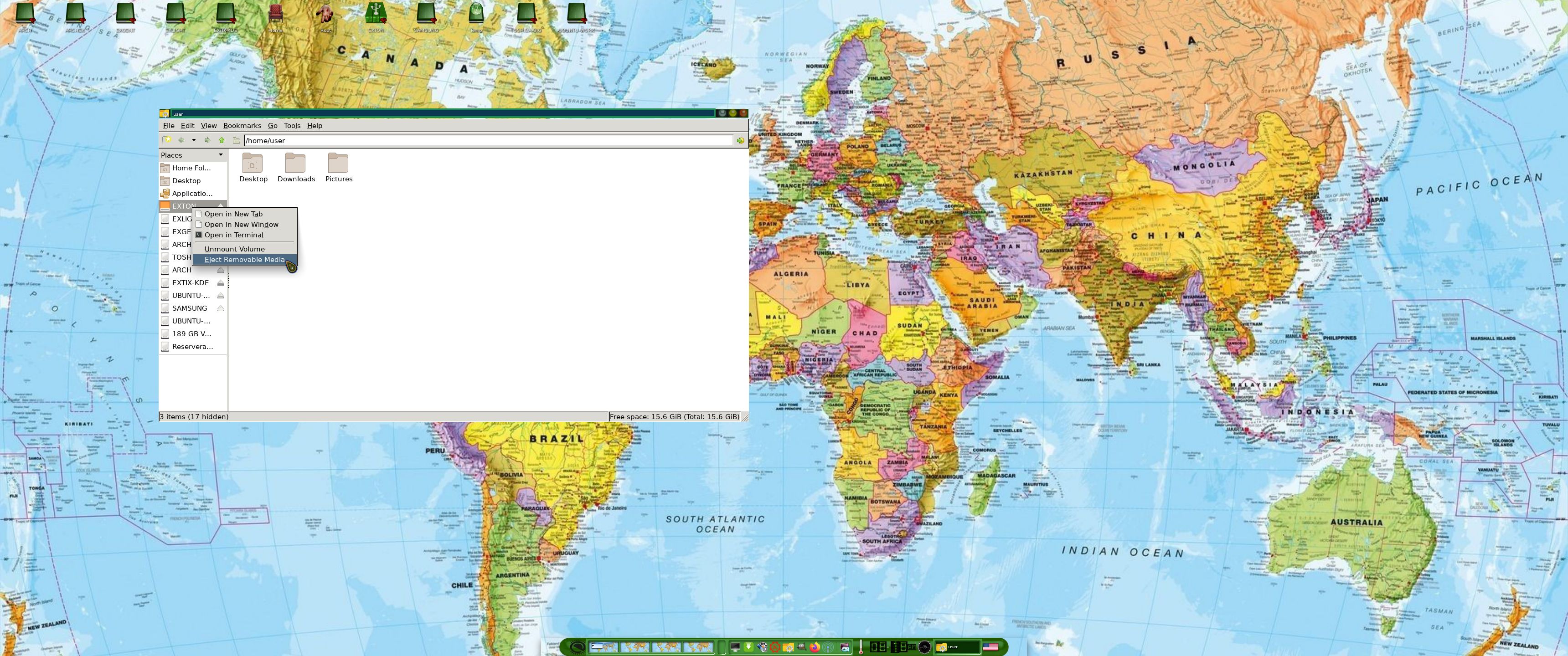
This new version of ExLight is based on Debian Sid / Trixie (unstable/testing). Build 250407/250405 is a total rebuild of ExLight. The ISO file size is of only 2490MB, which means that you’ll need about 4GB RAM to run ExLight even faster from RAM. I.e. load to RAM – screenshot. You can remove the DVD or USB stick when ExLight has booted.
KERNEL
ExLight Build 250407 uses kernel 6.14.0-amd64-exton built from Debian kernel sources with Debian patches.
What’s new in Linux kernel 6.14?
Installed packages
Study all installed packages in ExLight Build 250407/250405.
LOGIN PROBLEMS IN BUILD 250405
To be able to login to the Enlightenment 0.27.1 Desktop you’ll have to use a “fairly new” computer. According to my experience the computer can’t be older than about eight (8) years. After a live boot (from a USB stick or a DVD) you are supposed to be logged in automatically as the ordinary user user to the Enlightenment Desktop. If not you will end up in console mode logged in as user. For testing purposes you can do the following if you have a wired Internet connection. Run the following commands:
1. sudo apt update
2. sudo apt install lxde
3. nano .xinitrc
4. Change .xinitrc to exec startlxde
5. startx
You will now enter the LXDE Desktop. So the problem is really Enlightenment. I.e. not which Display Manager to use. I’ve tried with LXDM, SLiM and finally LightDM . I’m grateful if somebody find a solution to the problem Enlightenment/login and notify me. I’ve found only one Internet post about the problem (with no solution unfortunately).
CONCLUSION: Use a “fairly new” computer if you want to run Enlightenment 0.27.1 in ExLight.
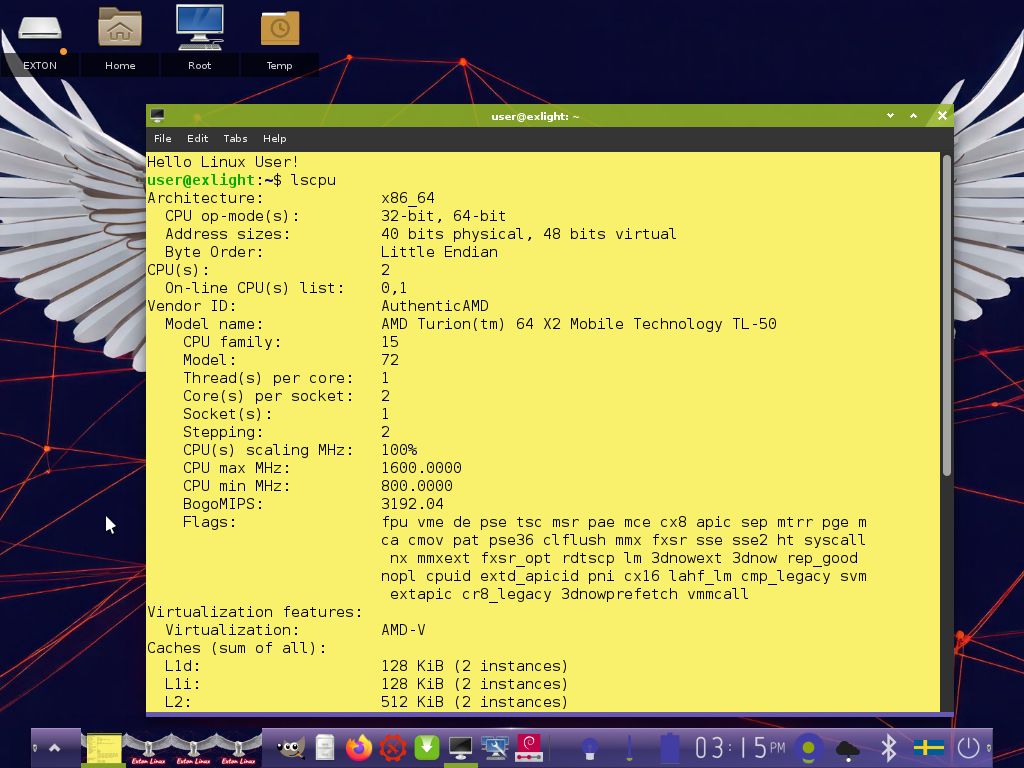
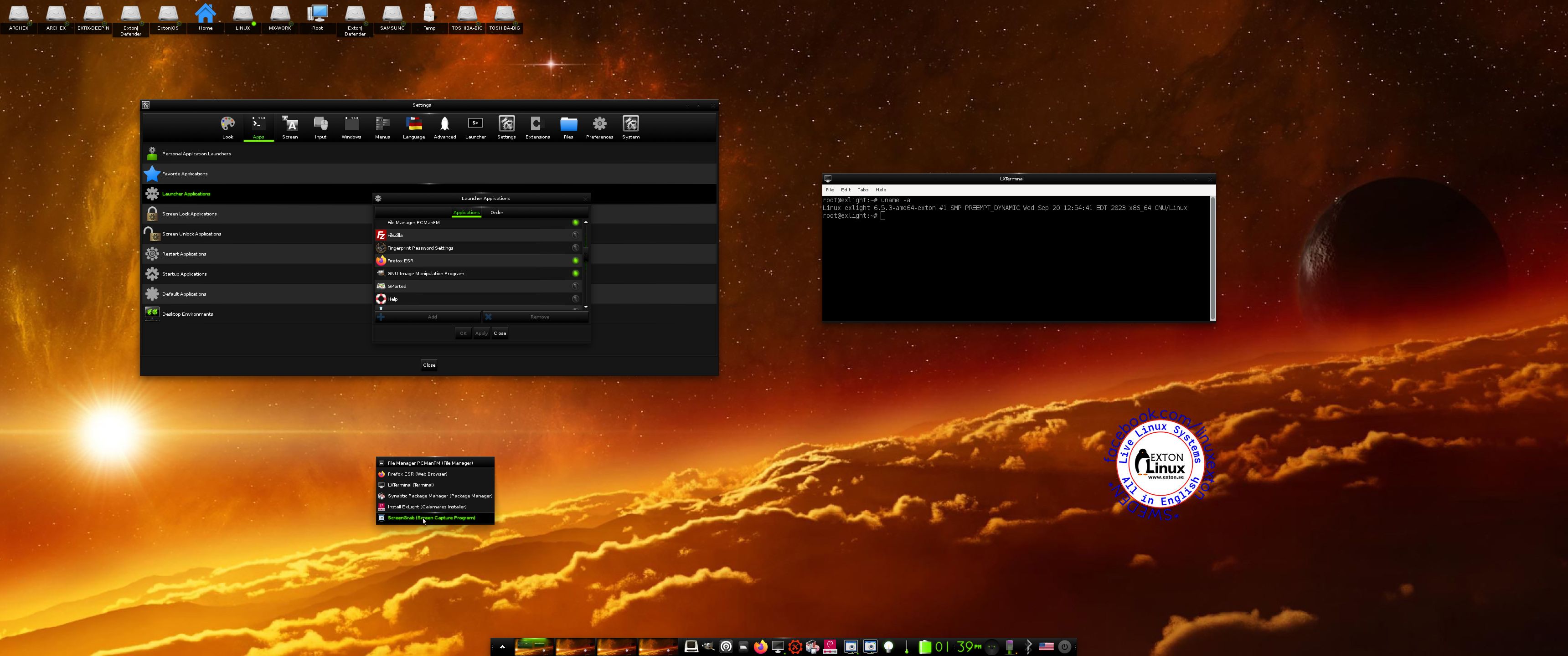
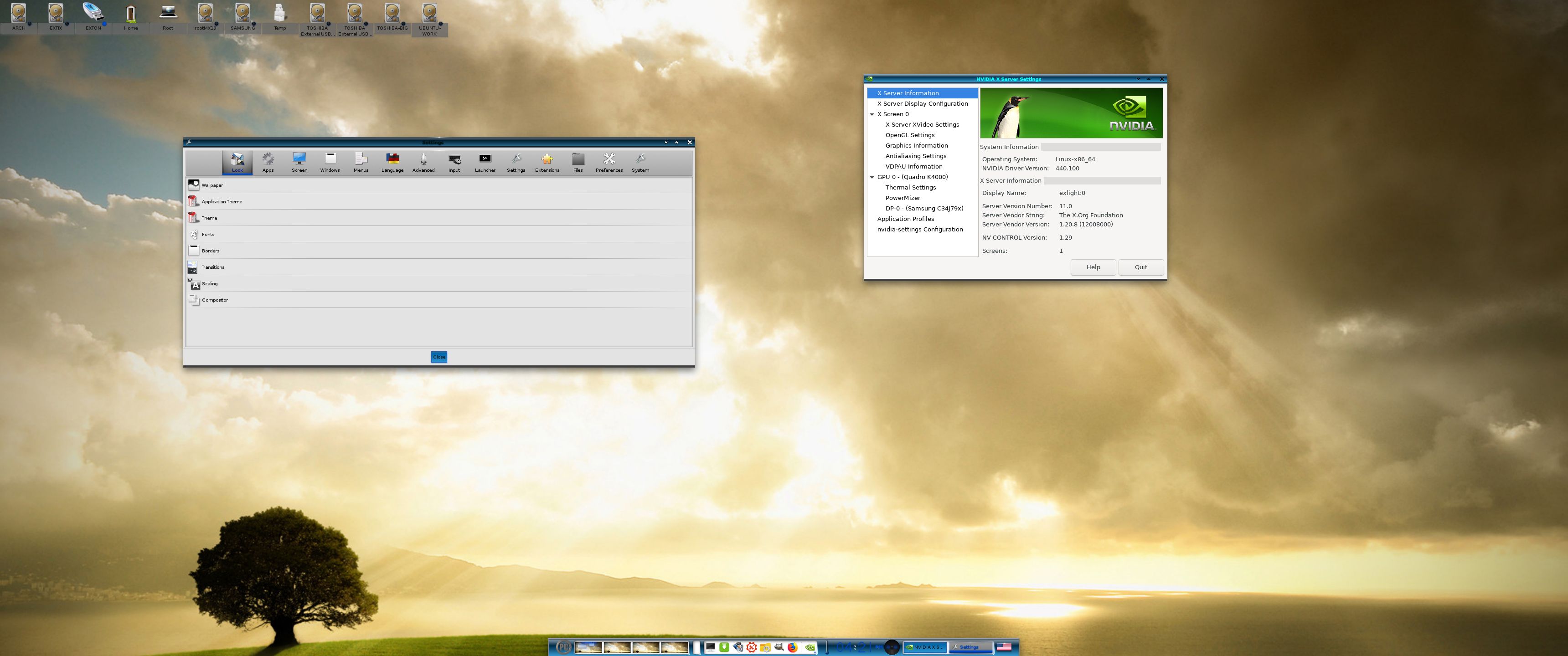
NOTE HOWEVER: Today I tried ExLight Build 250405 live on a really old computer – Acer Aspire 5102WLMi from 2006. I could log in to Enlightenment 0.27.1 if I booted up with nomodeset added to the kernel boot line. (Adding the nomodeset parameter instructs the kernel to not load video drivers and use BIOS modes instead until X is loaded). Watch this screenshot when ExLight is running on my old computer. The screenshot shows some system info.
WHAT’S NEW IN ExLight BUILD 250407/250405?
NOTE: Version 250405 replaces version 240614.
1. ExLight is now based on Debian Sid / Trixie (unstable/testing).
NOTE: The “hard freeze” of Trixie (Debian 13) will take place on May 15, 2025.
2. I have upgraded the Desktop environment Enlightenment (“Beauty at your fingertips”) to version 0.27.1, which is the stable version of Enlightenment.
3. I have replaced kernel 6.9.3-amd64-exton with kernel 6.14.0-amd64-exton. ExLight’s ISO file is now a ISO-hybrid, which means that it can very easily be transferred (copied) to a USB pen drive. You can then even run ExLight from the USB stick and save all your system changes on the stick. I.e. you will enjoy persistence!
5. Another big improvement is that ExLight can run from RAM. Use Boot alternative 2 (load to RAM). When the system has booted up you can remove the disc (DVD) or the USB stick. You will need at least 4GB RAM to run ExLight that way.
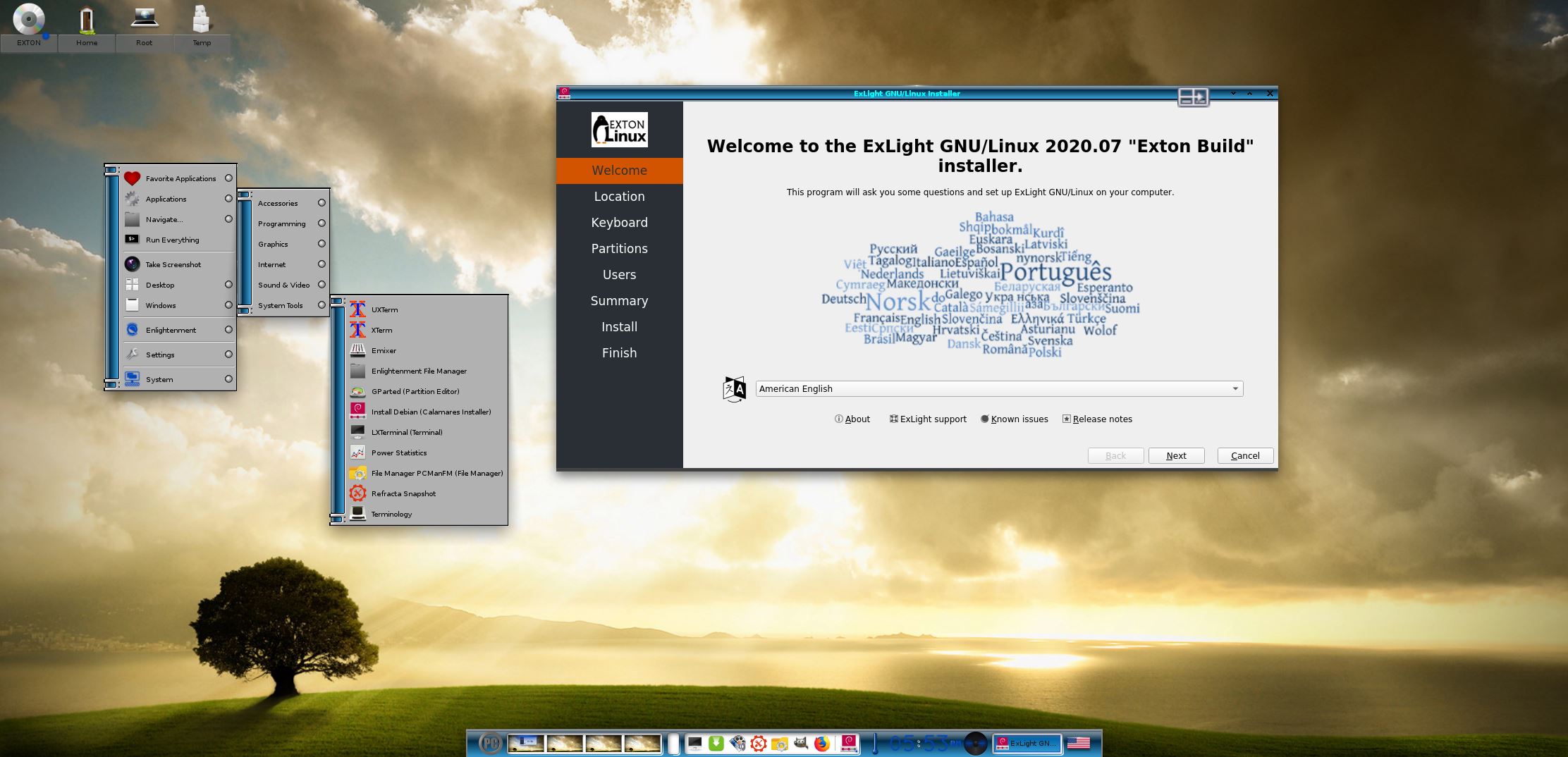
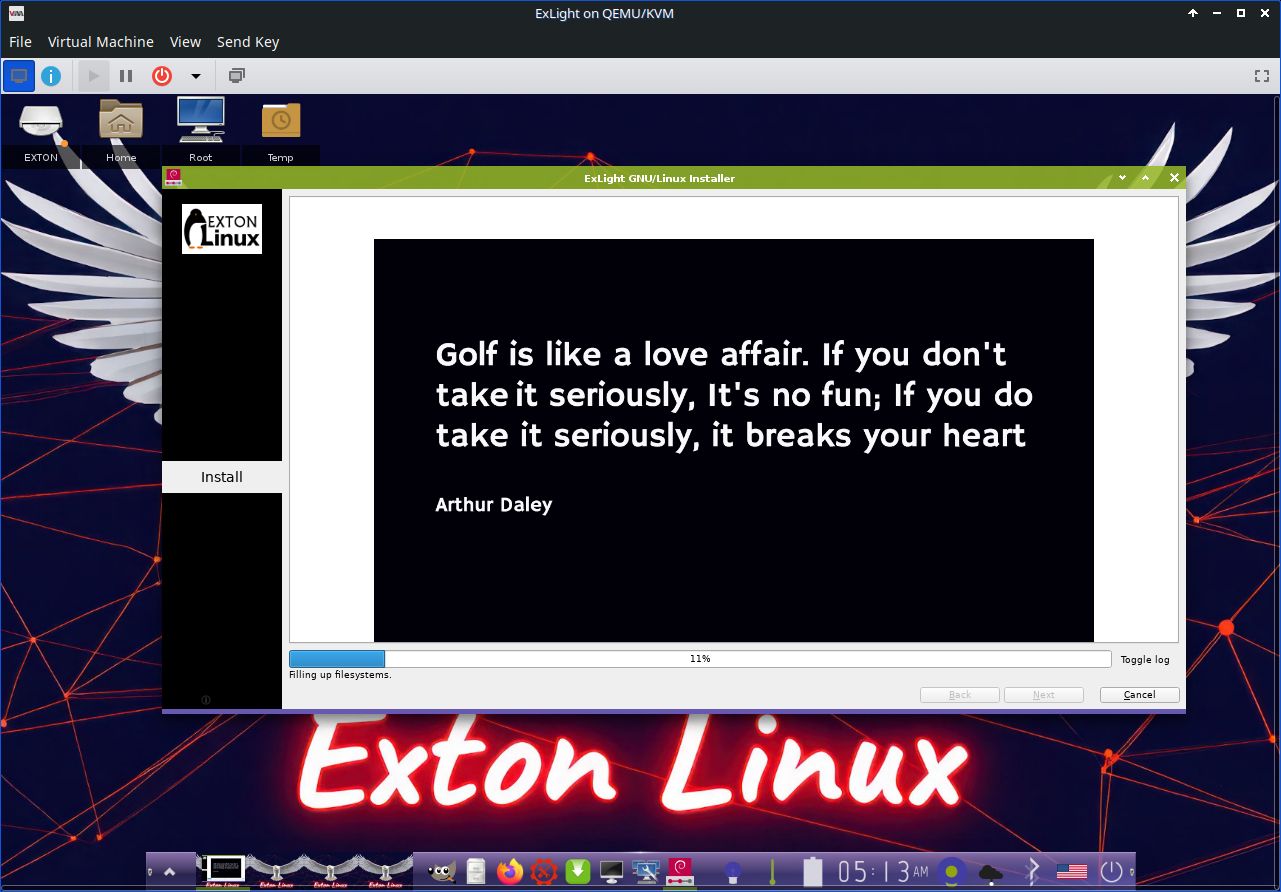
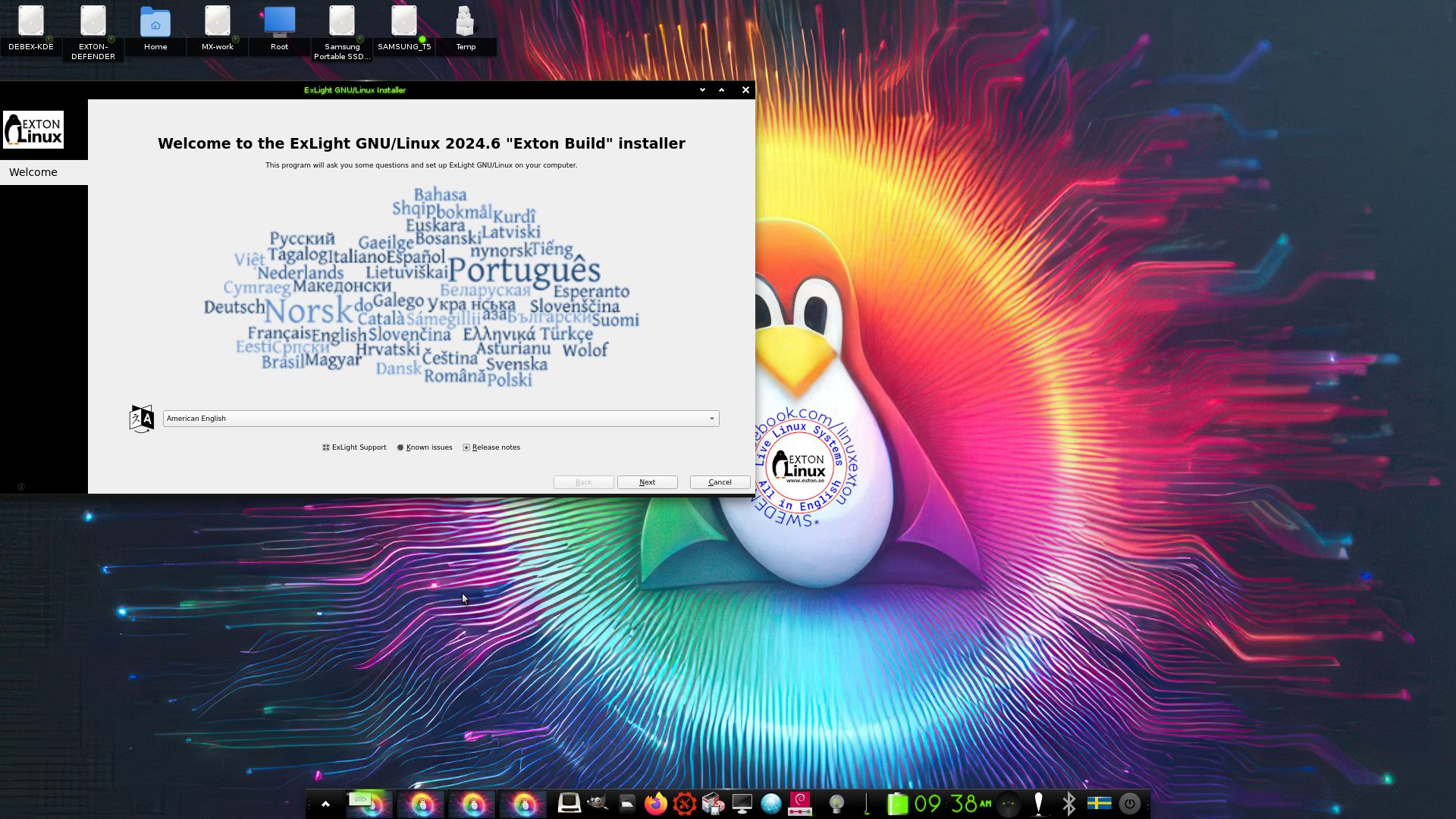
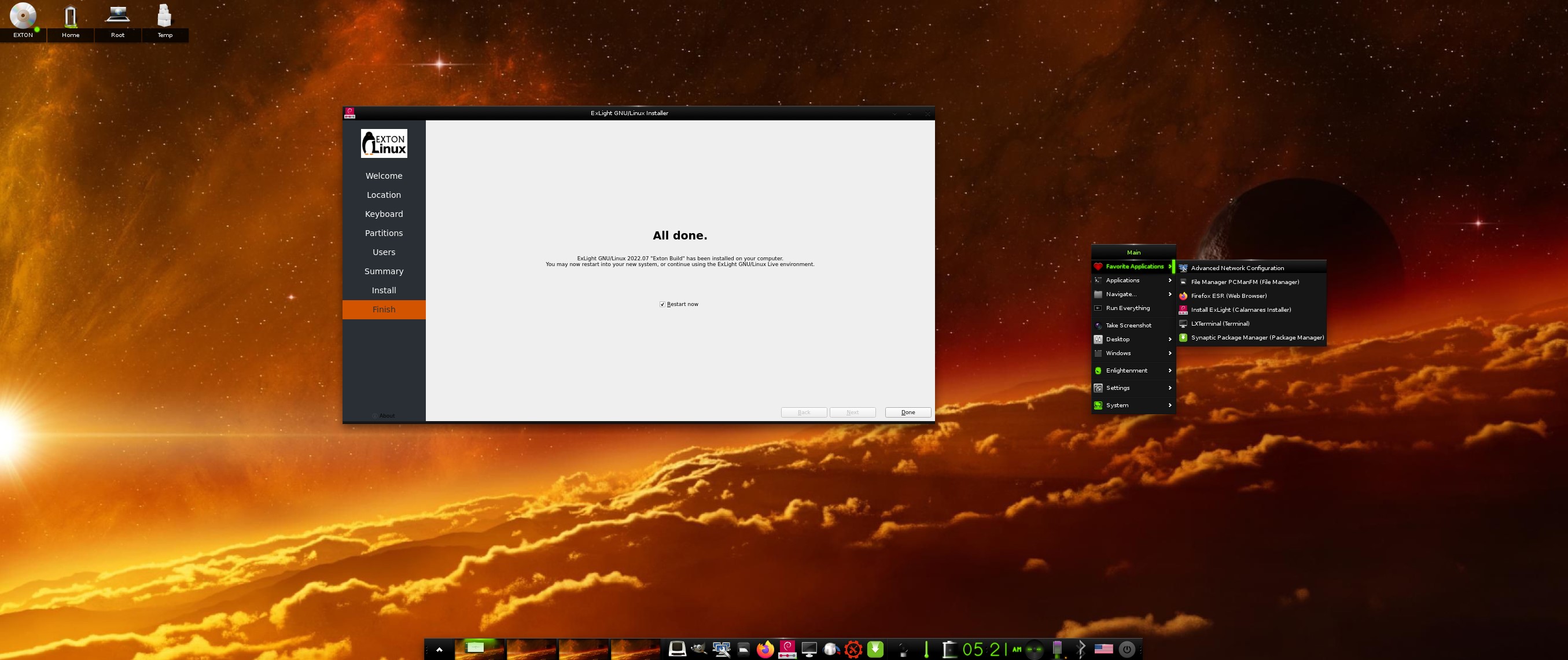
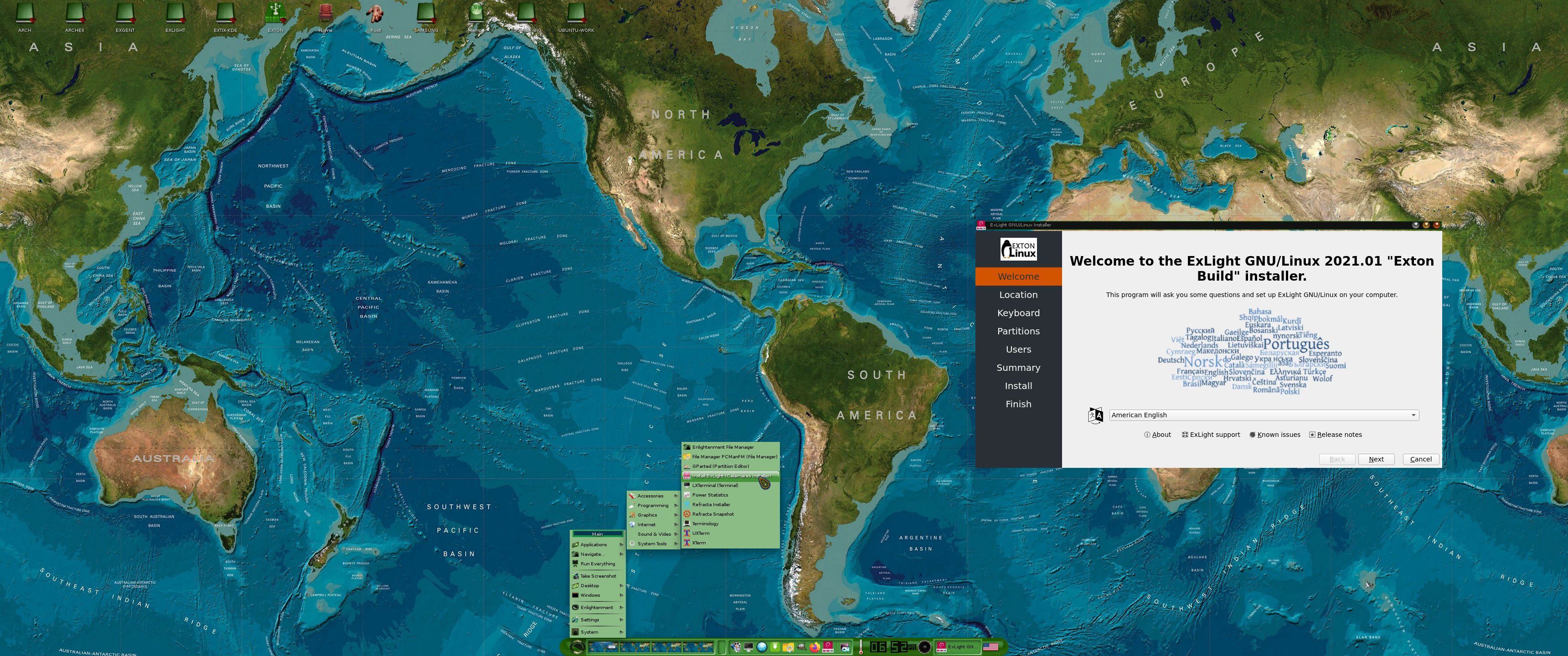
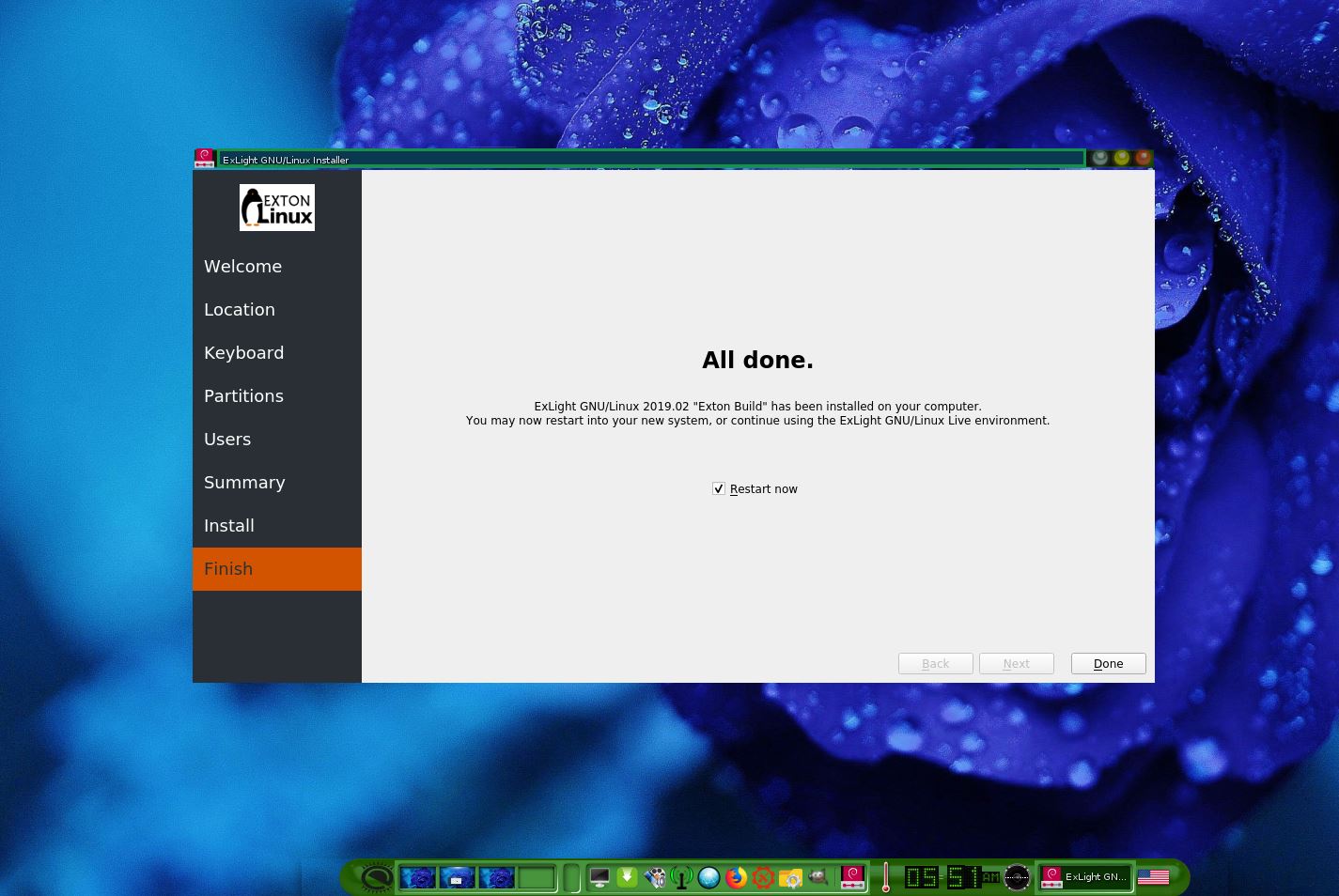
6. This version of ExLight uses the Calamares Installer. Very simple to use! A new user (your user) will be created during the installation process. You can also install ExLight in your preferred language. You can as an alternative use Refracta Installer.
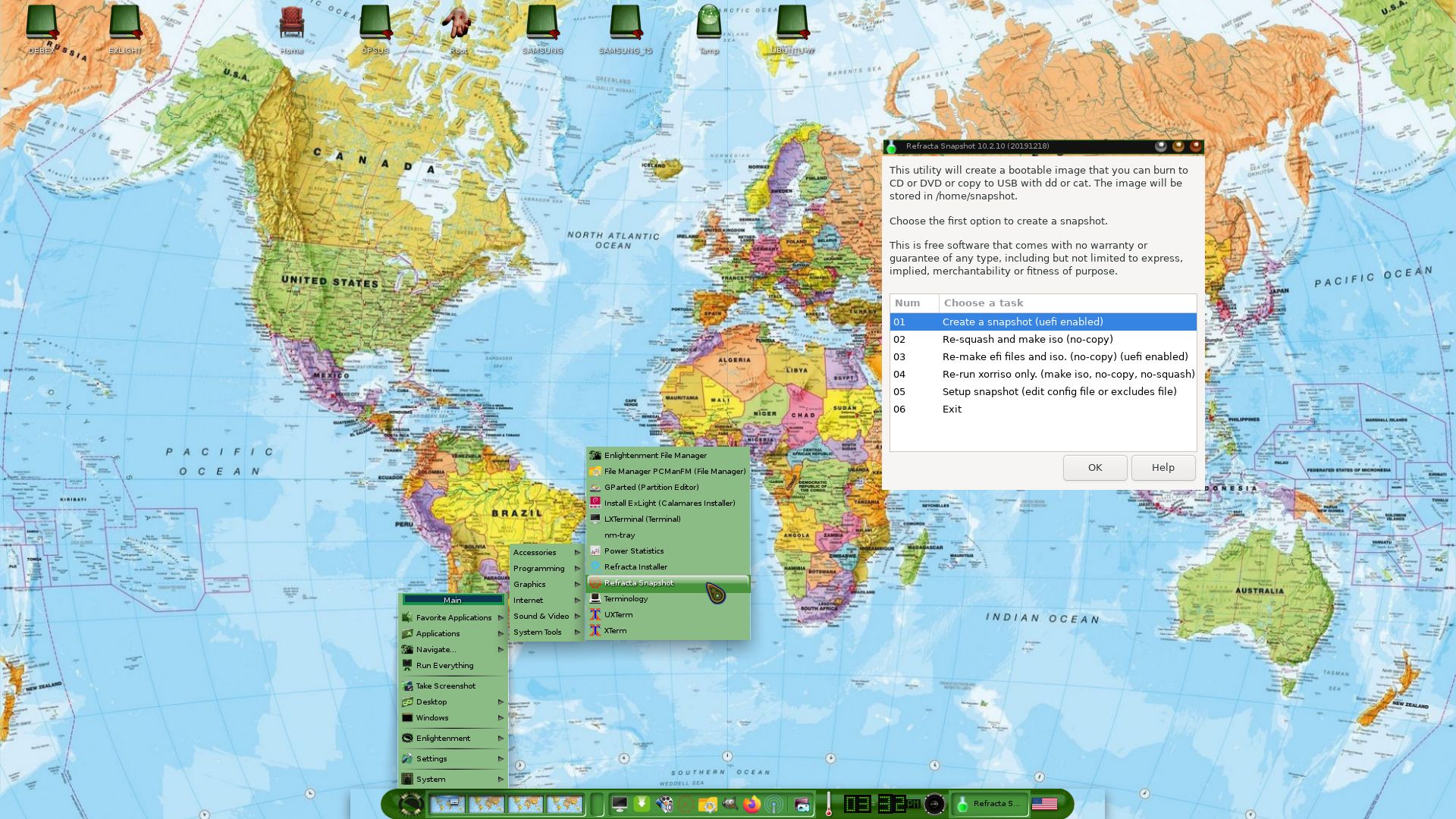
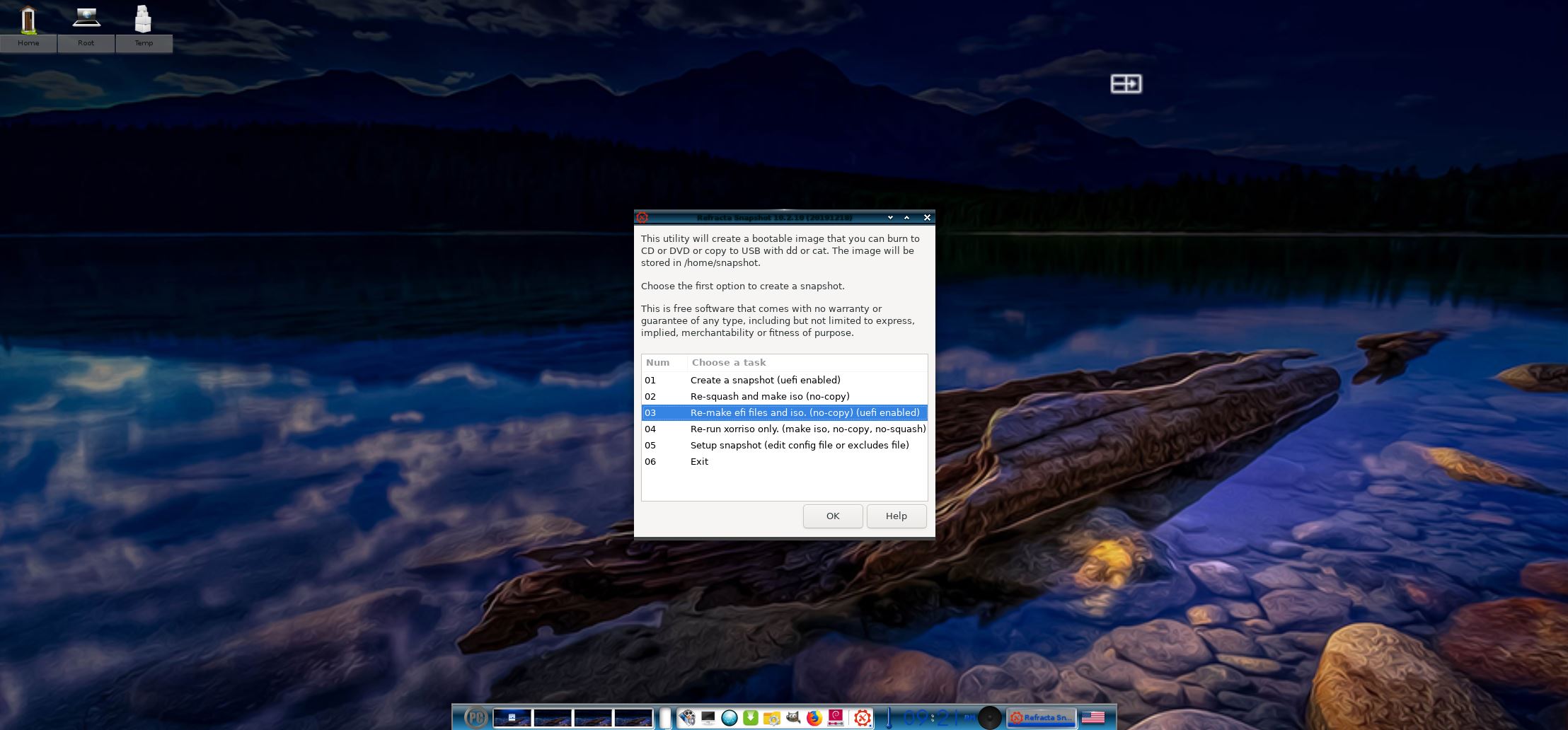
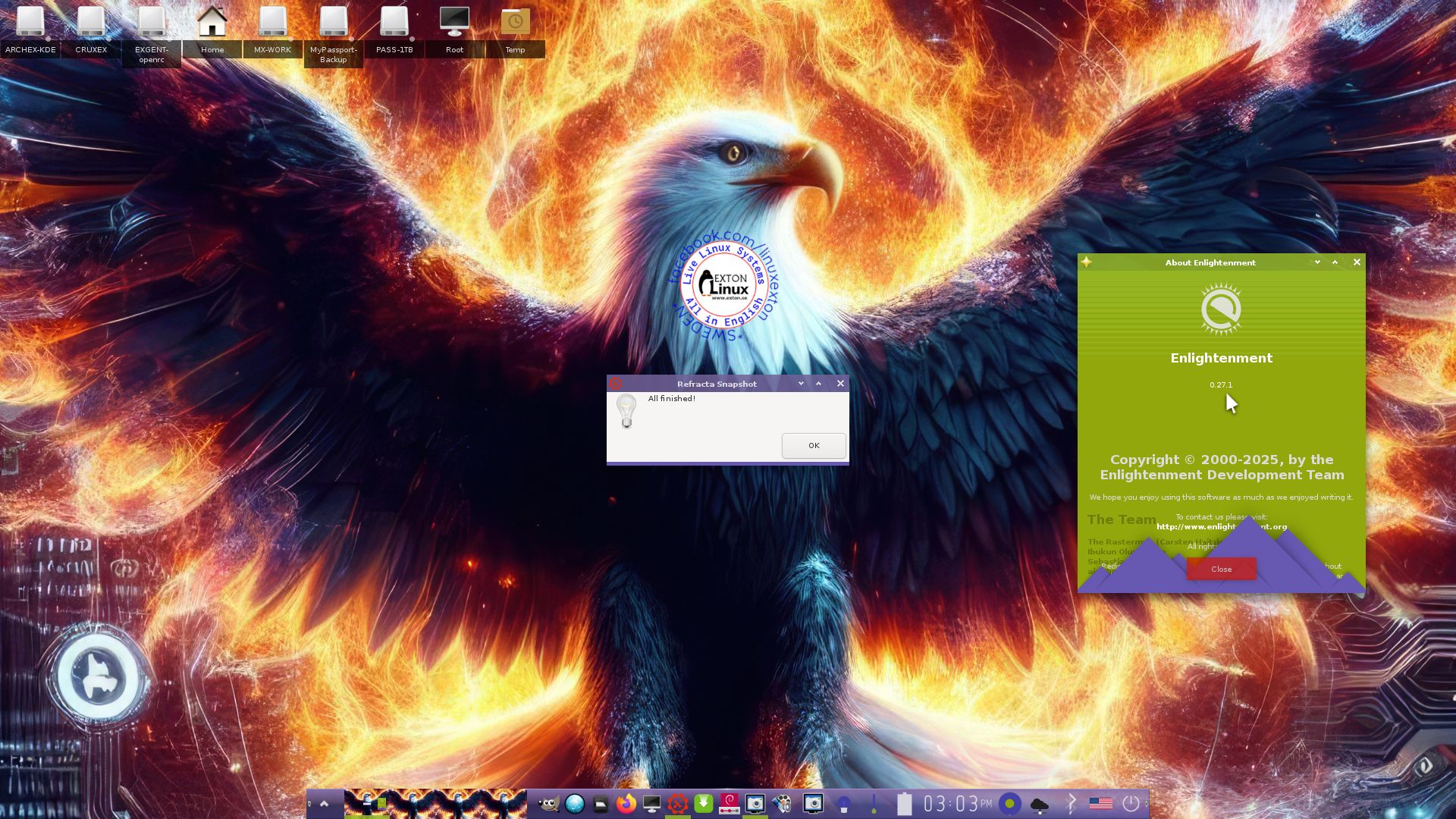
7. MOST IMPORTANT: I’ve added Refracta Snapshot, which make it possible for you to create your own live installable Debian Sid/Trixie system. I mean change everything to your liking, fire up Refracta Snapshot and wait 10 – 20 min until your new ISO is ready!
NOTE: You may have to do the remaster process in three steps (1 – 3).
LOGIN and passwords
When you start up from the DVD or USB stick you will end up in Enlightenment logged in as the ordinary user user if your computer is “fairly new” – see above. You can log out from root’s Desktop screen and log in as root if you want. The password for the ordinary user user is live. The password for root (superuser) is root. NOTE: After a hard drive installation using Calamares the root password will be gone. To fix it log in as user with password live and run the command sudo passwd root.
VirtualBox and VMware
You can’t run ExLight Build 250407/250405 “the normal way” in VirtualBox or VMware for some unknown reason. The system works very well in Qemu in Linux though. Using Qemu is the best way to run any Linux system virtually.
NOTE: Actually you can run ExLight in VirtualBox/VMware if you just add nomodeset to the kernel boot line. To do that press Tab (for edit). Add nomodeset and press Enter to boot. (Adding the nomodeset parameter instructs the kernel to not load video drivers and use BIOS modes instead until X is loaded). When inside Enlightenment you can change the screen resolution as this screenshot shows.
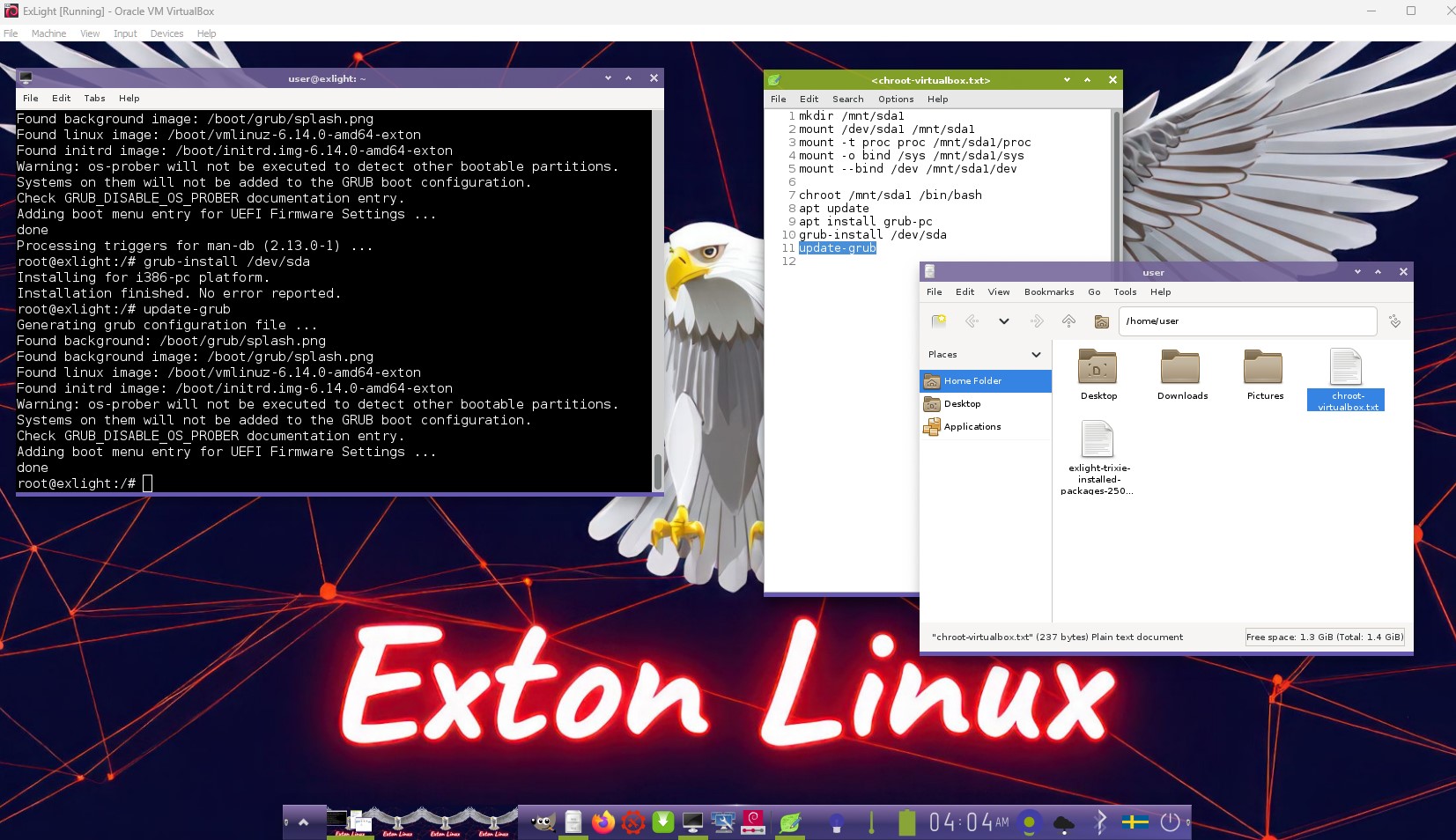
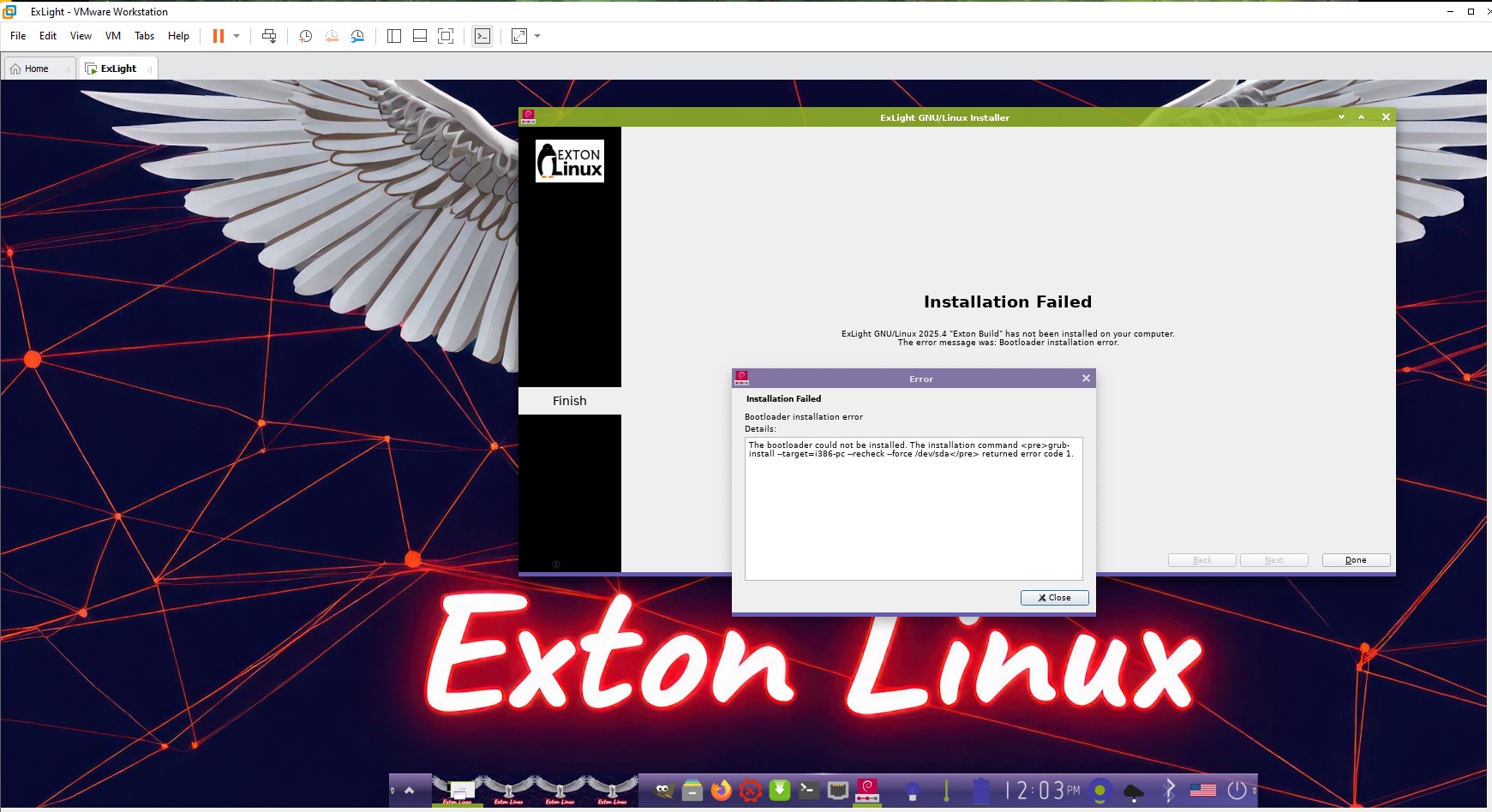
This screenshot shows how to install Grub in VirtualBox/VMware/Qemu after you have received an error message about Grub in Calamares – watch this screenshot.
NOTE1: As regards Build 250407 you can just boot up ExLight in “failsafe” mode. I.e. no need to add “nomodeset” to the kernel boot line – see above.
NOTE2: After a hard drive installation in VirtualBox/VMware you still have to add “nomodeset” to the boot line in /etc/grub/grub.cfg so it looks like this: linux /boot/vmlinuz-6.14.0-amd64-exton root=UUID=cbe381cf-3c93-4c2e-8e58-03fc52979879 ro nomodeset
Installation to hard drive
Use Calamares or Refracta Installer. Before starting maybe you should read my instruction How to multi-boot Linux…
No need to reinstall Grub if you already have one or several Linux Systems installed on your computer. Just add boot lines for ExLight in /boot/grub/grub.cfg or /etc/grub.d/40_custom. It can look like this.
menuentry ‘ExLight trixie 250407 :: (sdc3-Passport)’ –class debian –class gnu-linux –class gnu –class os $menuentry_id_option ‘gnulinux-simple-cbe381cf-3c93-4c2e-8e58-03fc52979879’ {
insmod gzio
insmod part_gpt
insmod ext2
set root=’hd3,gpt3′
if [ x$feature_platform_search_hint = xy ]; then
search –no-floppy –fs-uuid –set=root –hint-bios=hd3,gpt3 –hint-efi=hd3,gpt3 –hint-baremetal=ahci3,gpt3 cbe381cf-3c93-4c2e-8e58-03fc52979879
else
search –no-floppy –fs-uuid –set=root cbe381cf-3c93-4c2e-8e58-03fc52979879
fi
linux /boot/vmlinuz-6.14.0-amd64-exton root=UUID=cbe381cf-3c93-4c2e-8e58-03fc52979879 ro intel_iommu=off $vt_handoff
initrd /boot/initrd.img-6.14.0-amd64-exton
}
TO DO after a HARD DRIVE installation
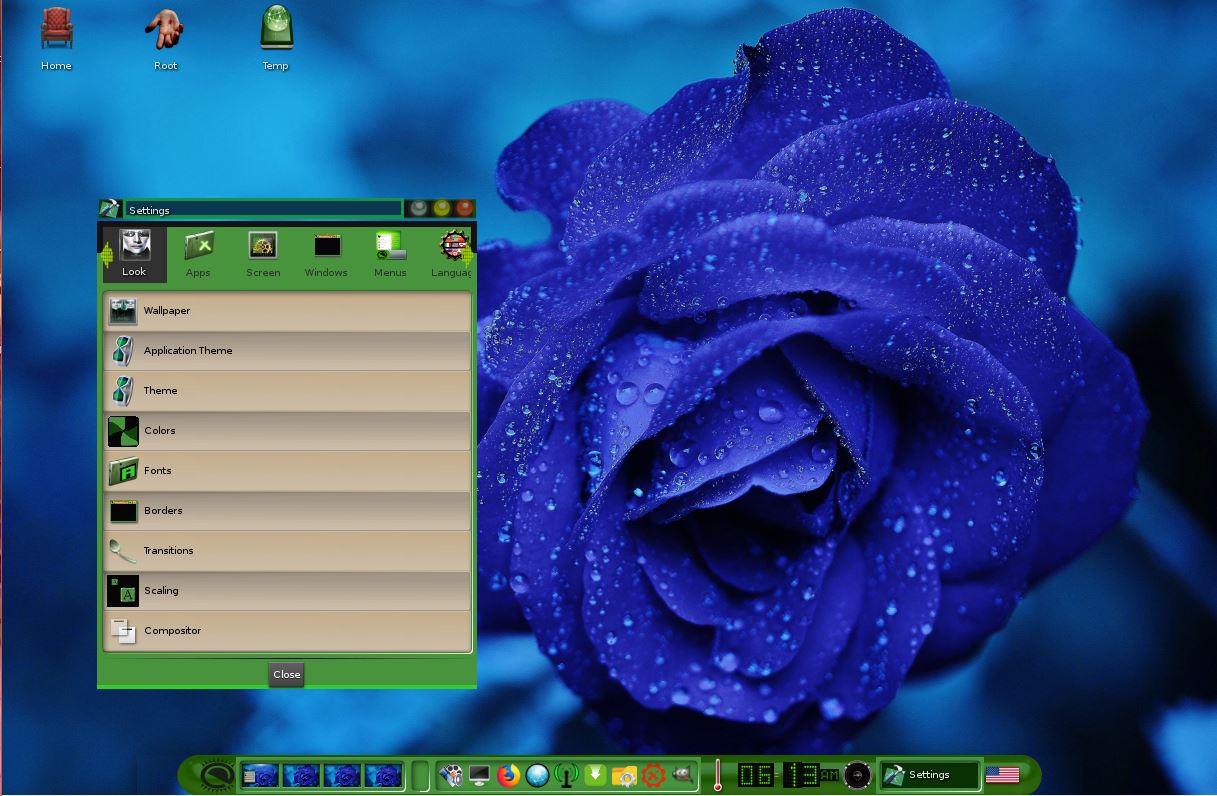
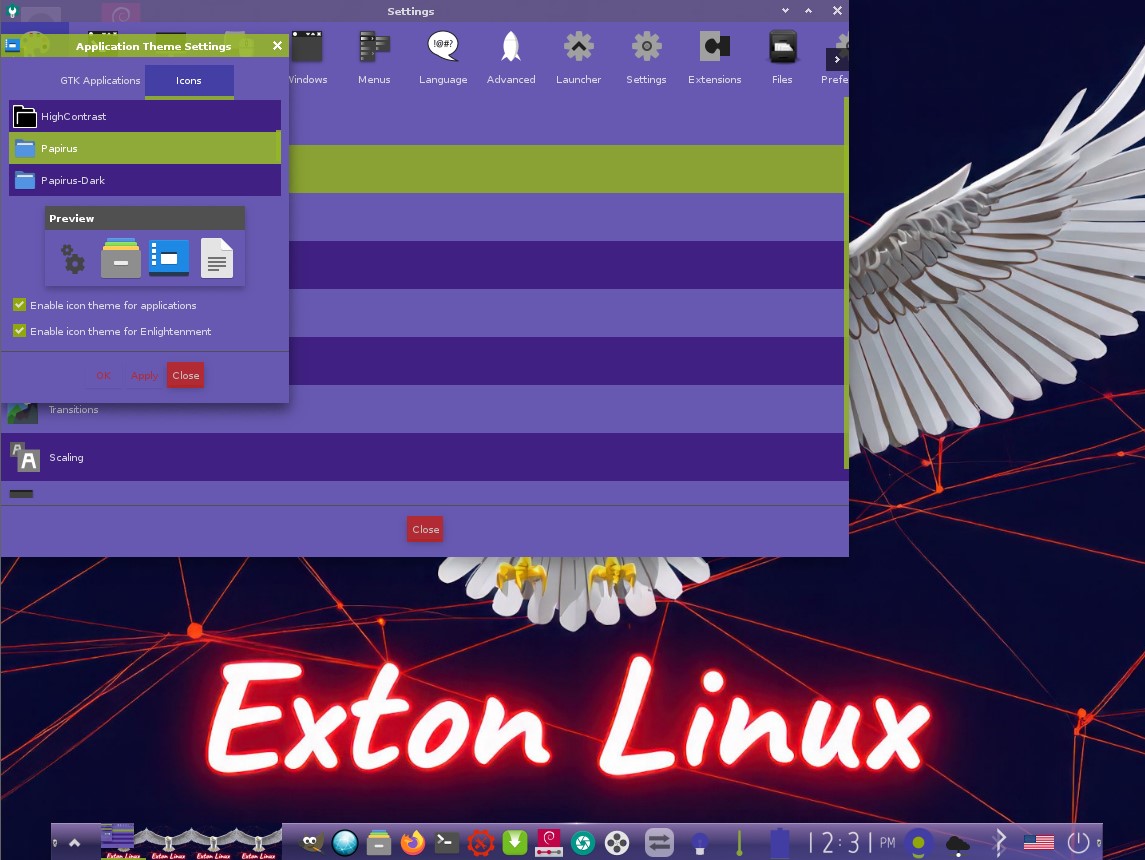
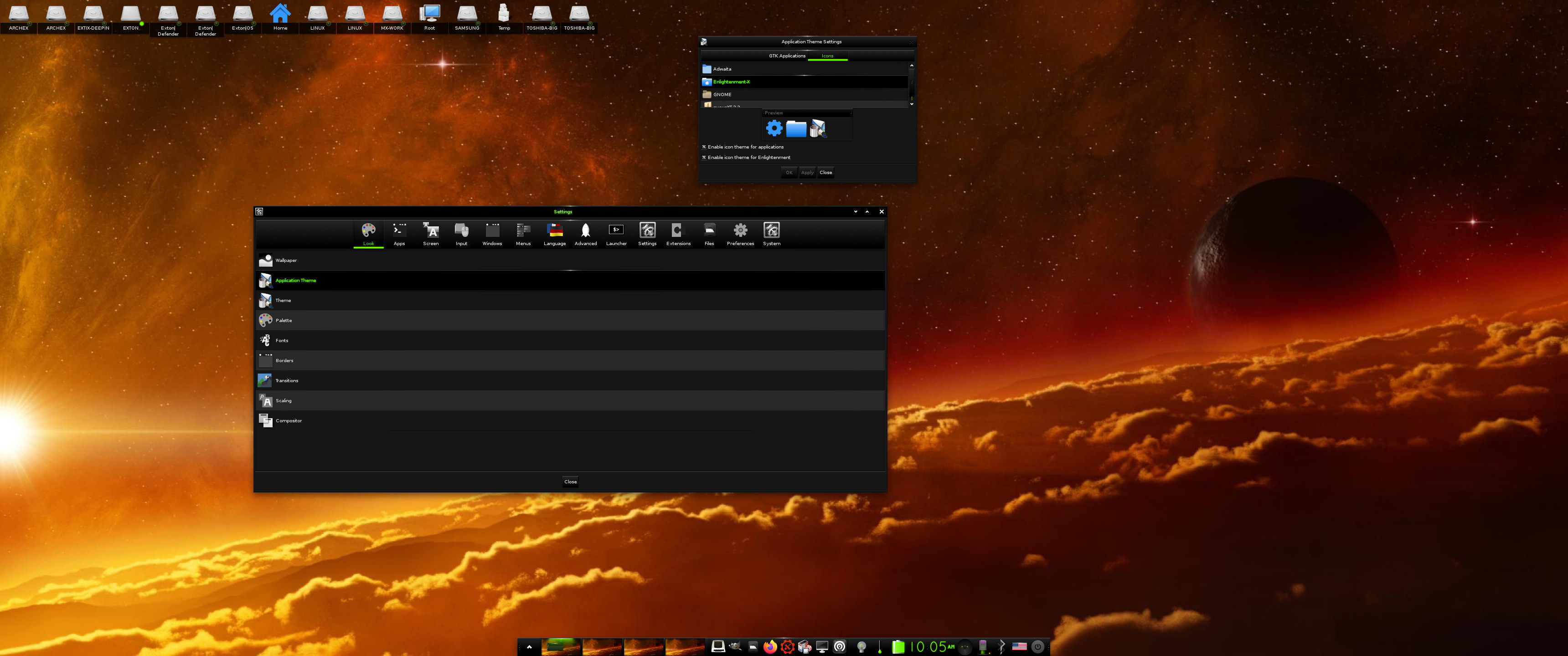
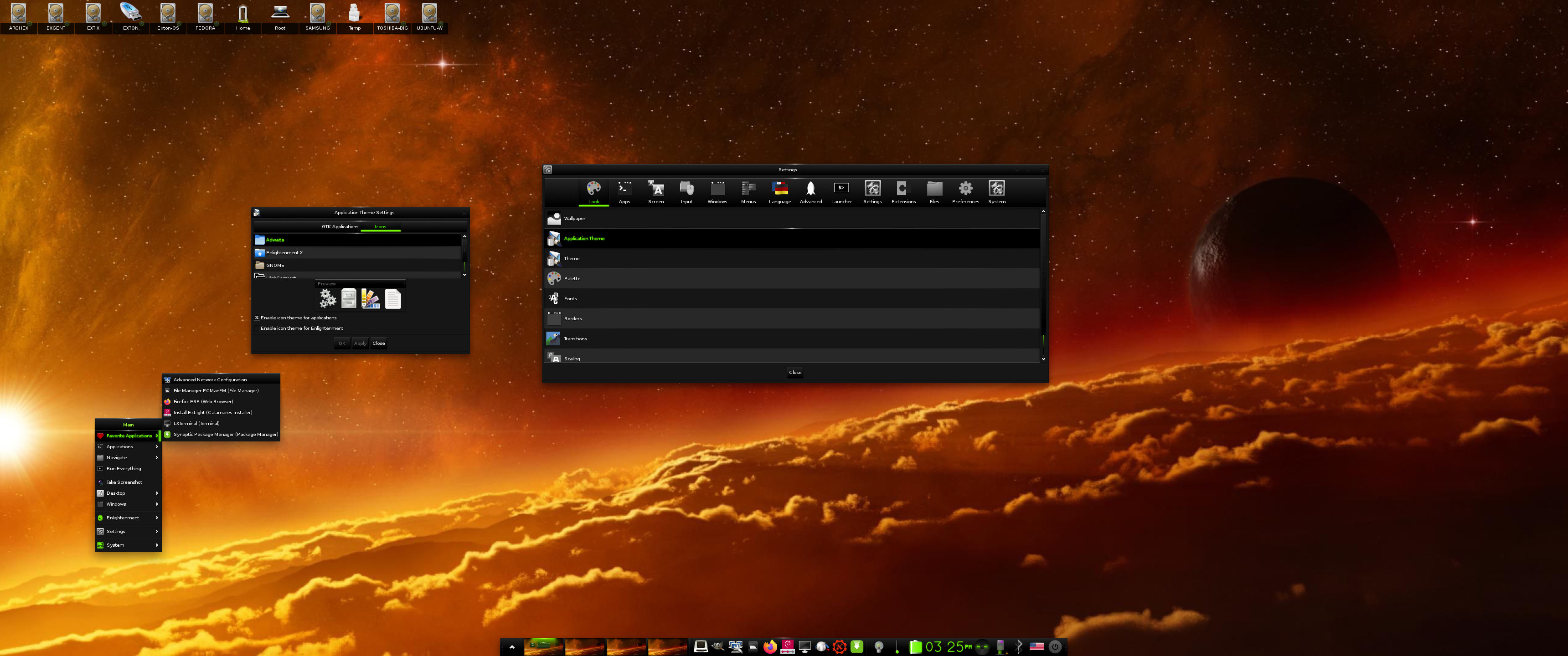
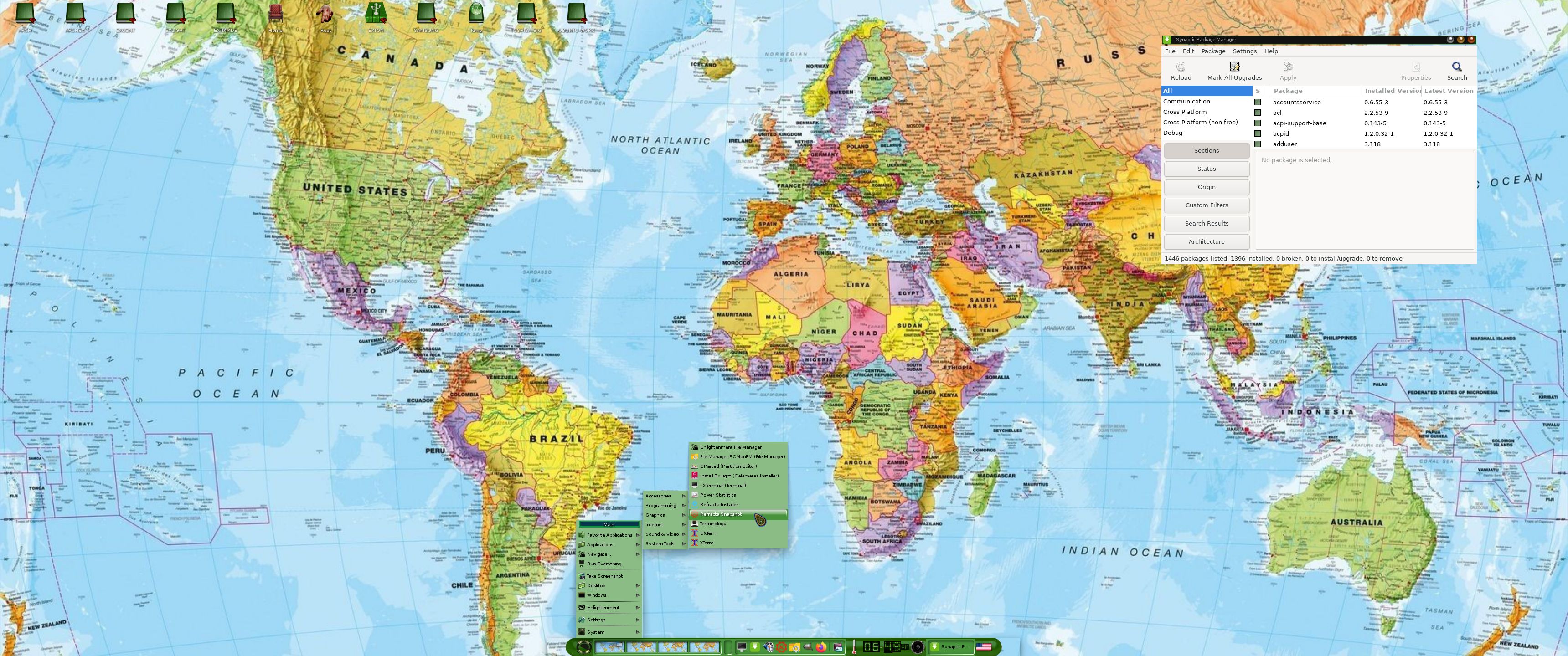
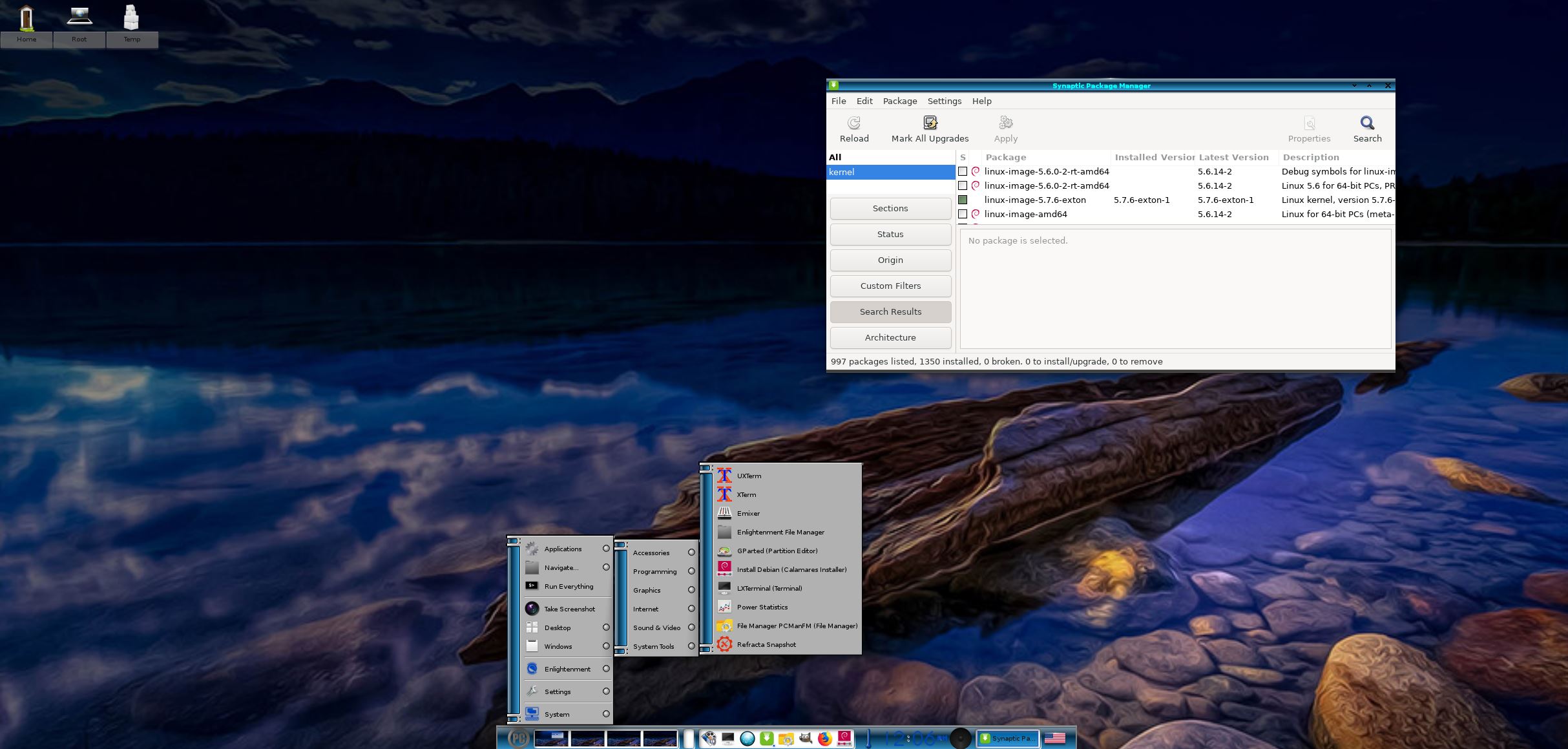
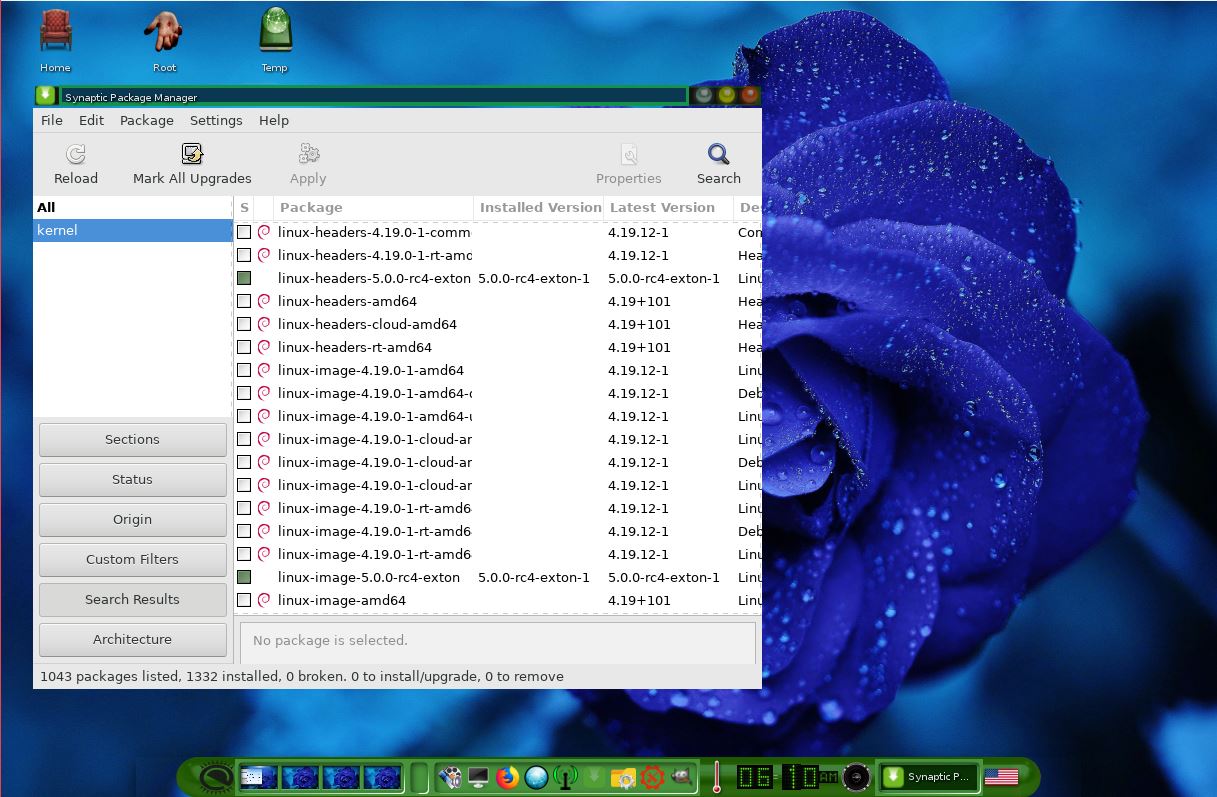
You should immediately install the Papirus icon theme. Use Synaptic for that. Then go to Settings and change icons to Papirus. Watch this screenshot. Without Papirus some menu icons won’t show.
NOTE: In Build 250407 Papirus is already installed.
WIRELESS connections
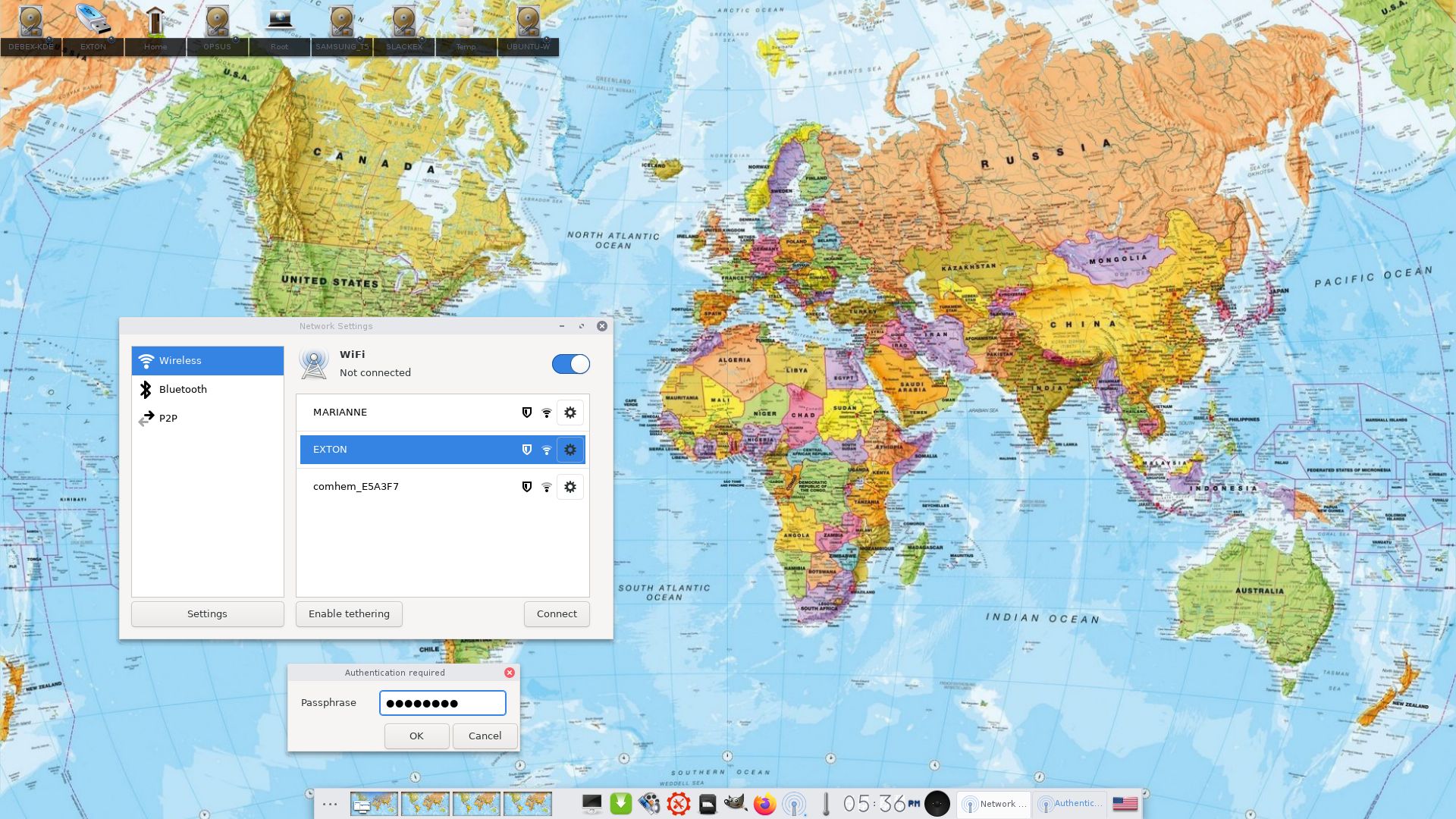
In Build 250407/250405 NetworkManager and WPA supplicant are installed. Use the one you prefer.
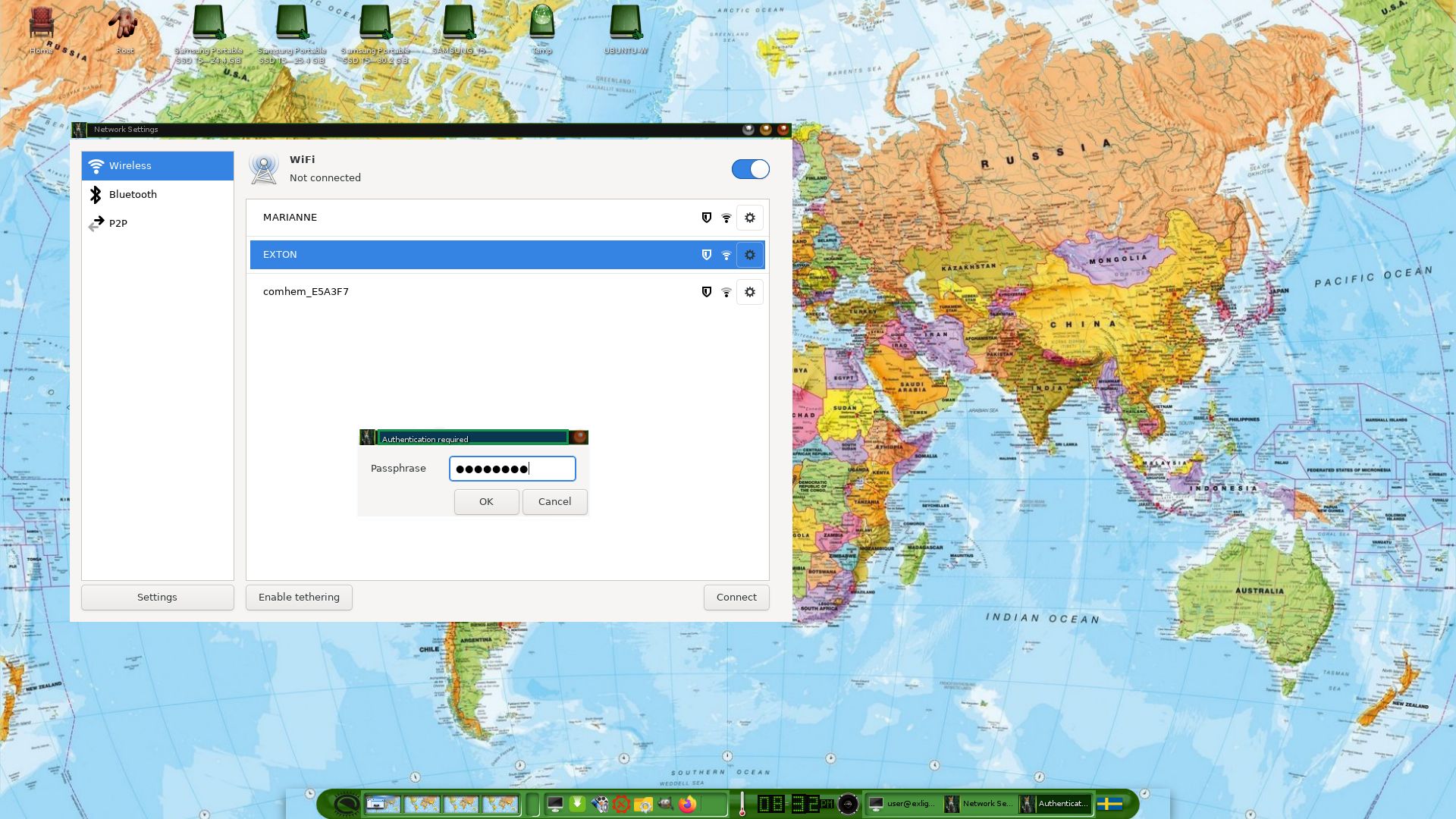
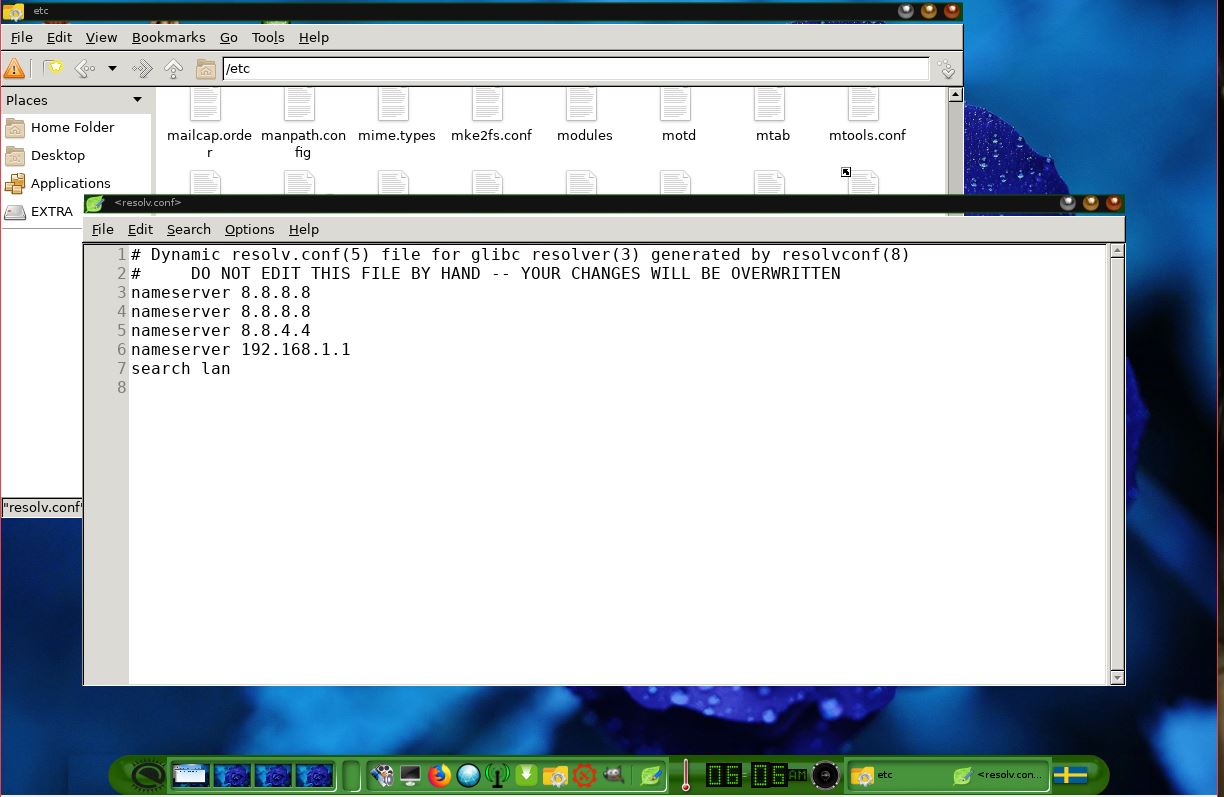
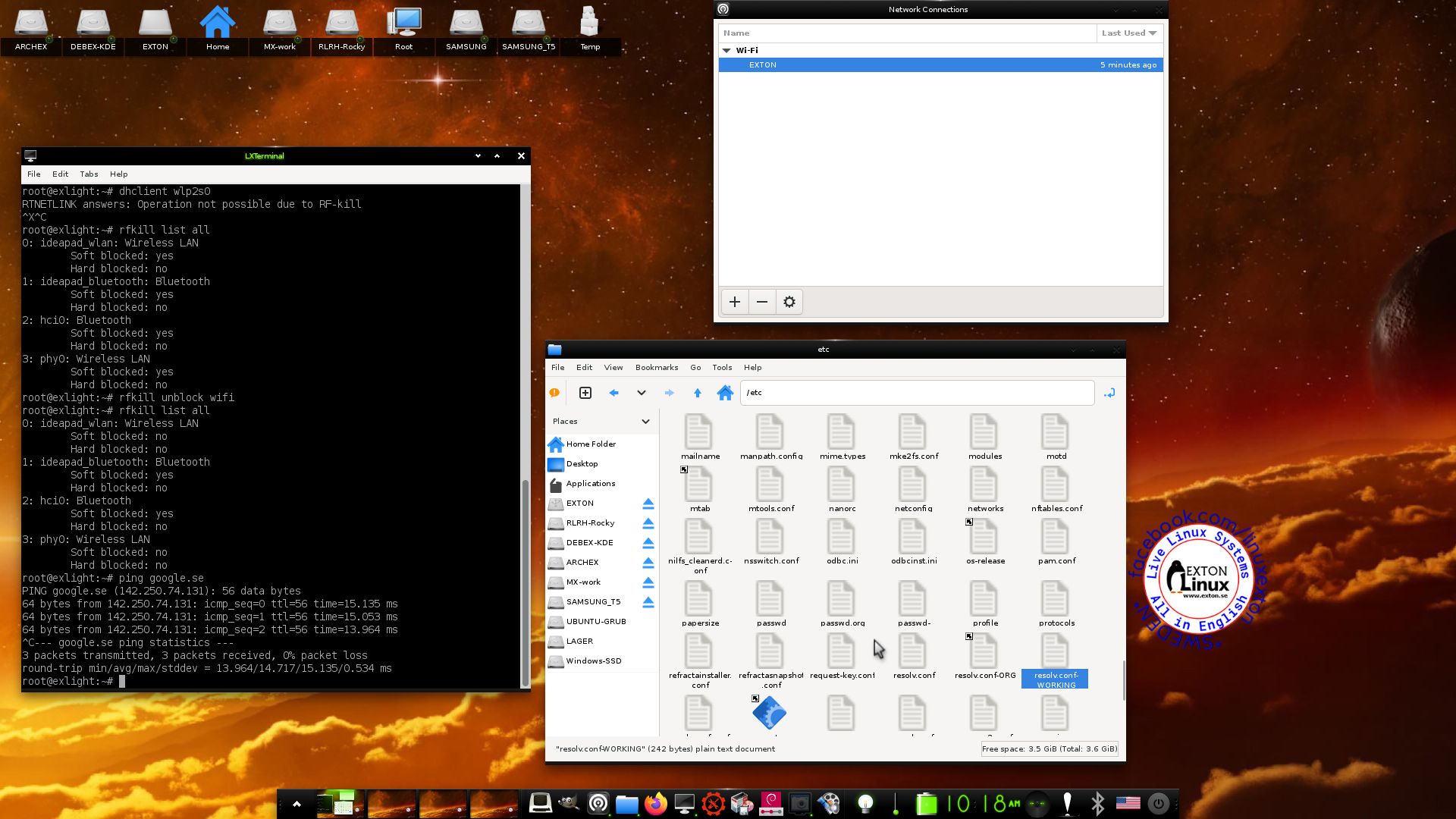
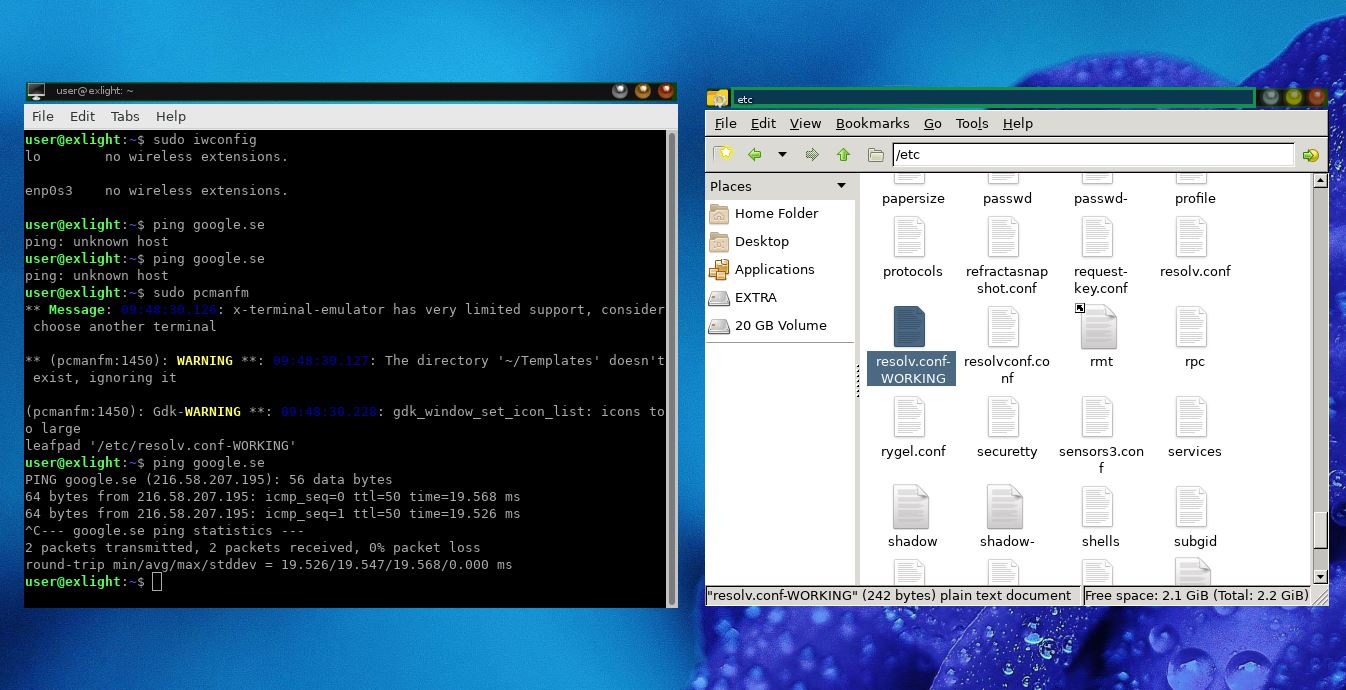
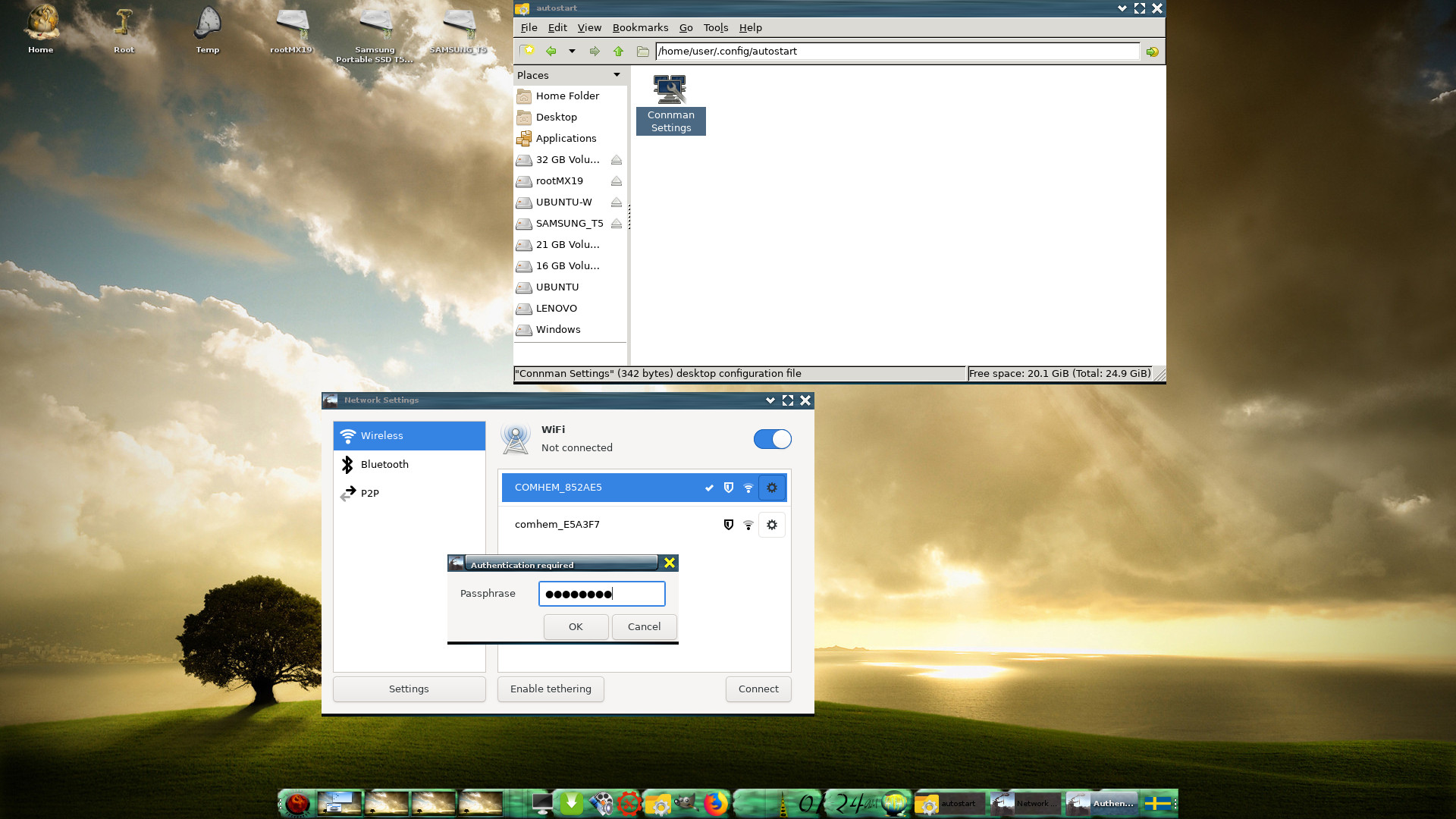
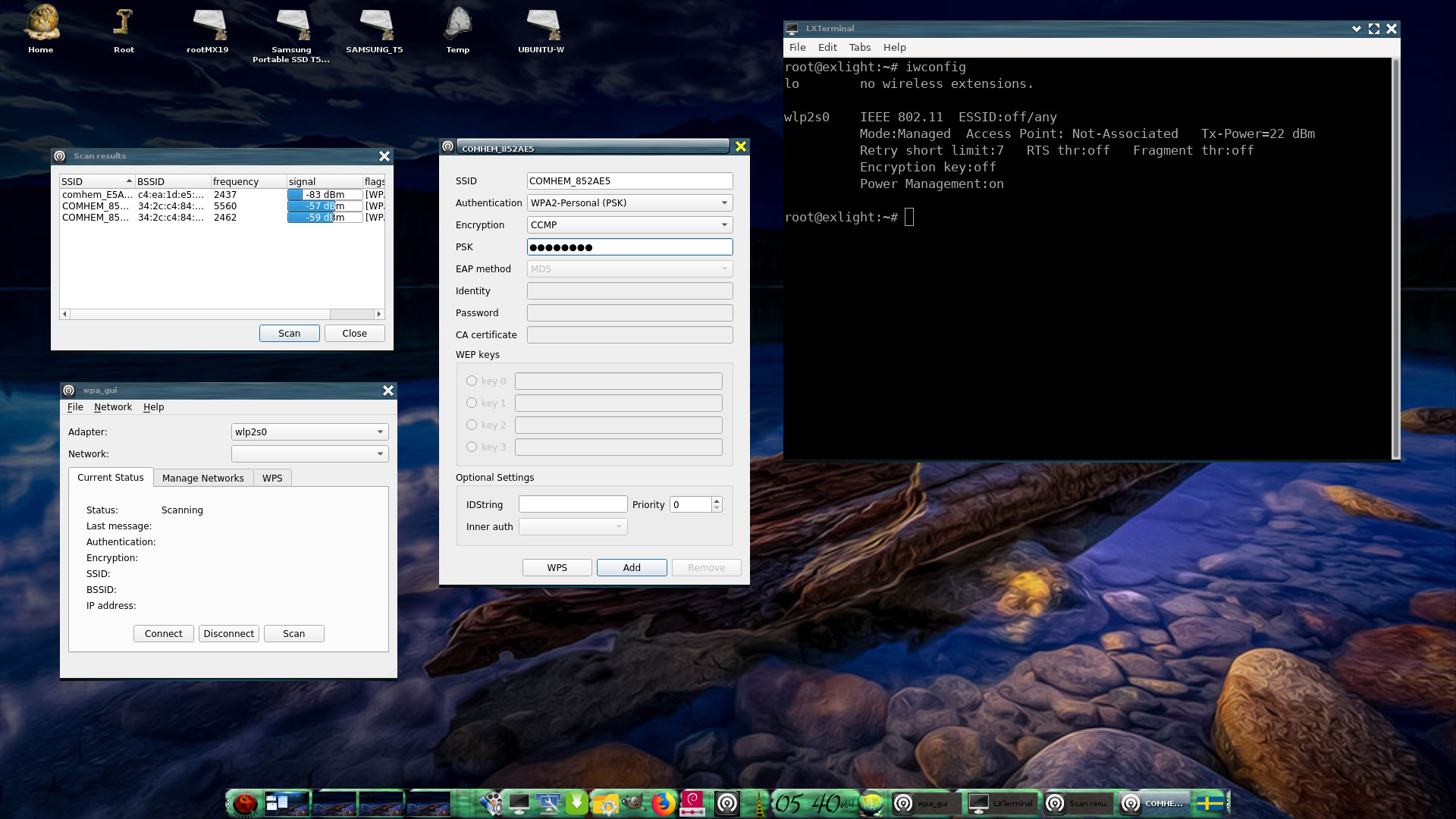
NOTE1: Study /etc/resolv.conf-WORKING and change it (if necessary) to suit your needs – screenshot. Keep a copy of resolv.conf-WORKING before you change the filename. Watch a screenshot showing how to use NetworkManager.
NOTE2: For WiFi connections you should use NetworkManager logged in as root.
MOVIE about Calamares Installer
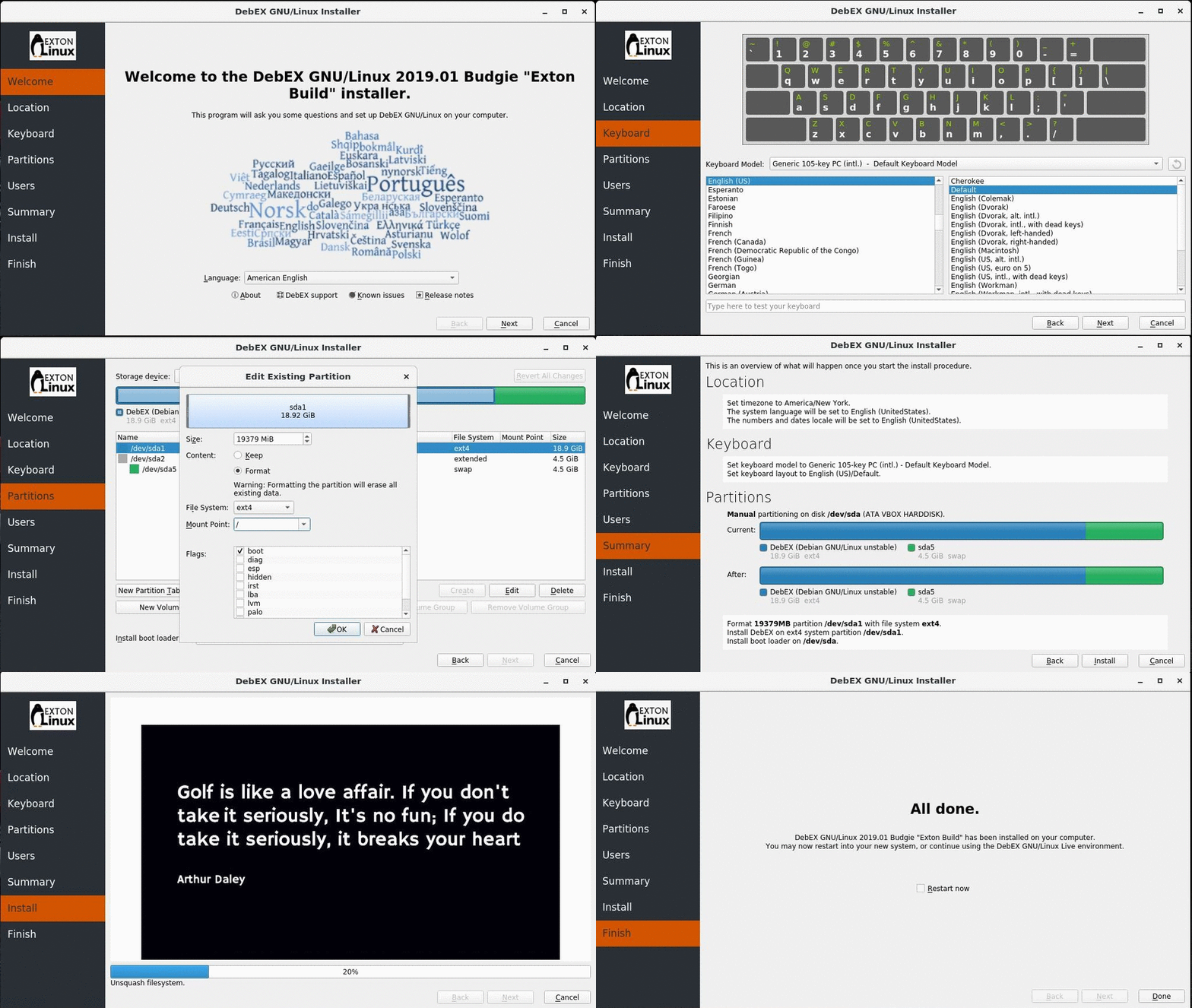
Watch a movie about the Calamares installation process in VirtualBox. You can use the Calamares Installer Framework to install ExLight to your computer in any language. You can even use Calamares in VirtualBox and VMware – i.e. non-efi computers. Watch this animated GIF. (It’s for DebEX Budgie, but works in the same way in ExLight).
Or watch this slideshow.
Spotify
You can easily install Spotify in ExLight (even while running the system live). Just run the command sudo apt update followed by sudo apt install spotify-client.
Important about Refracta
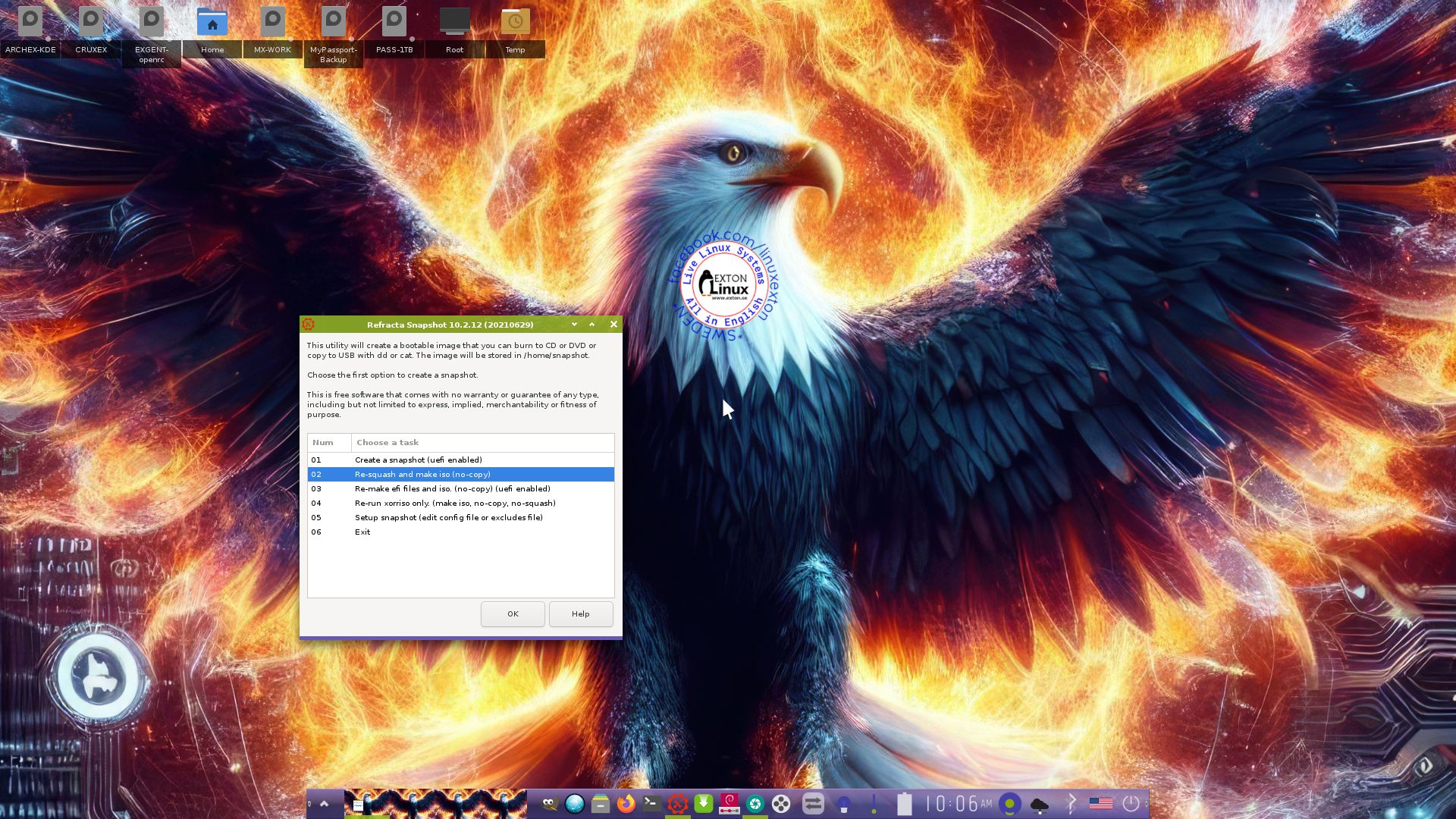
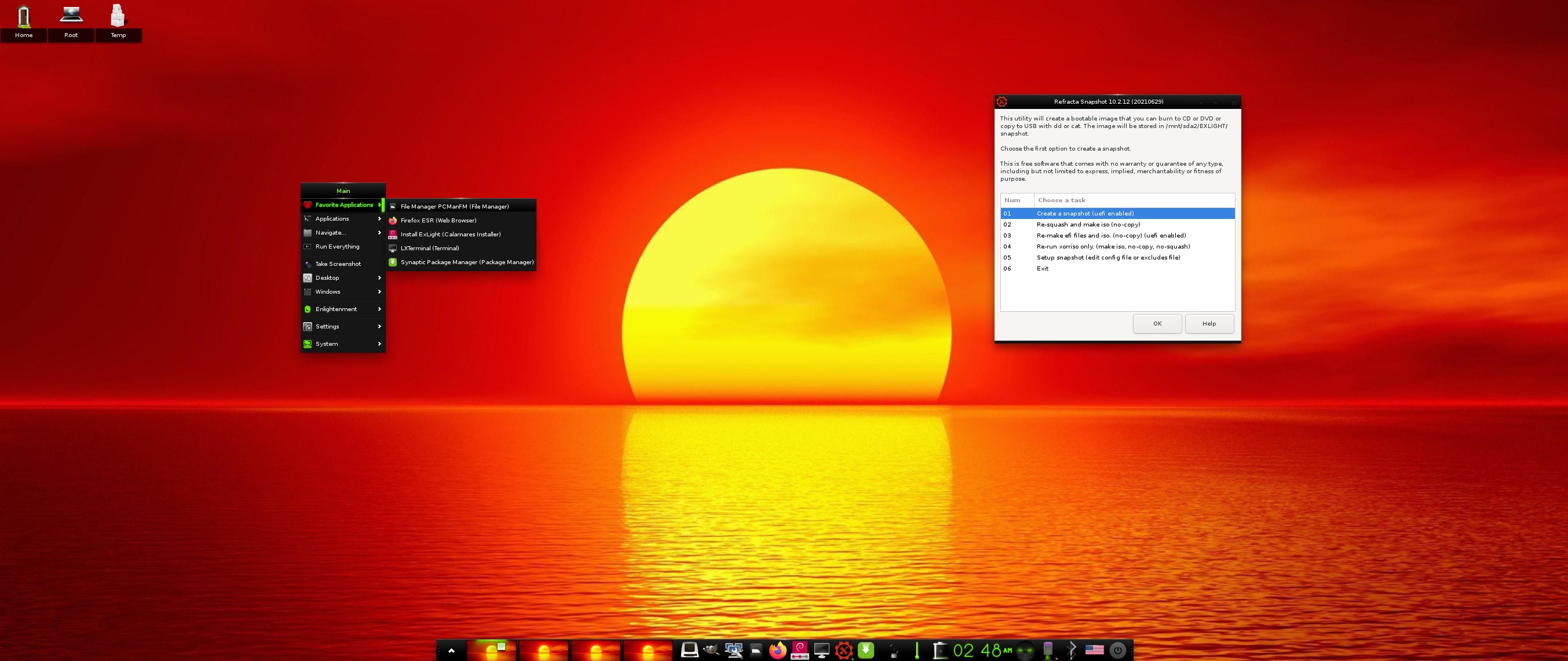
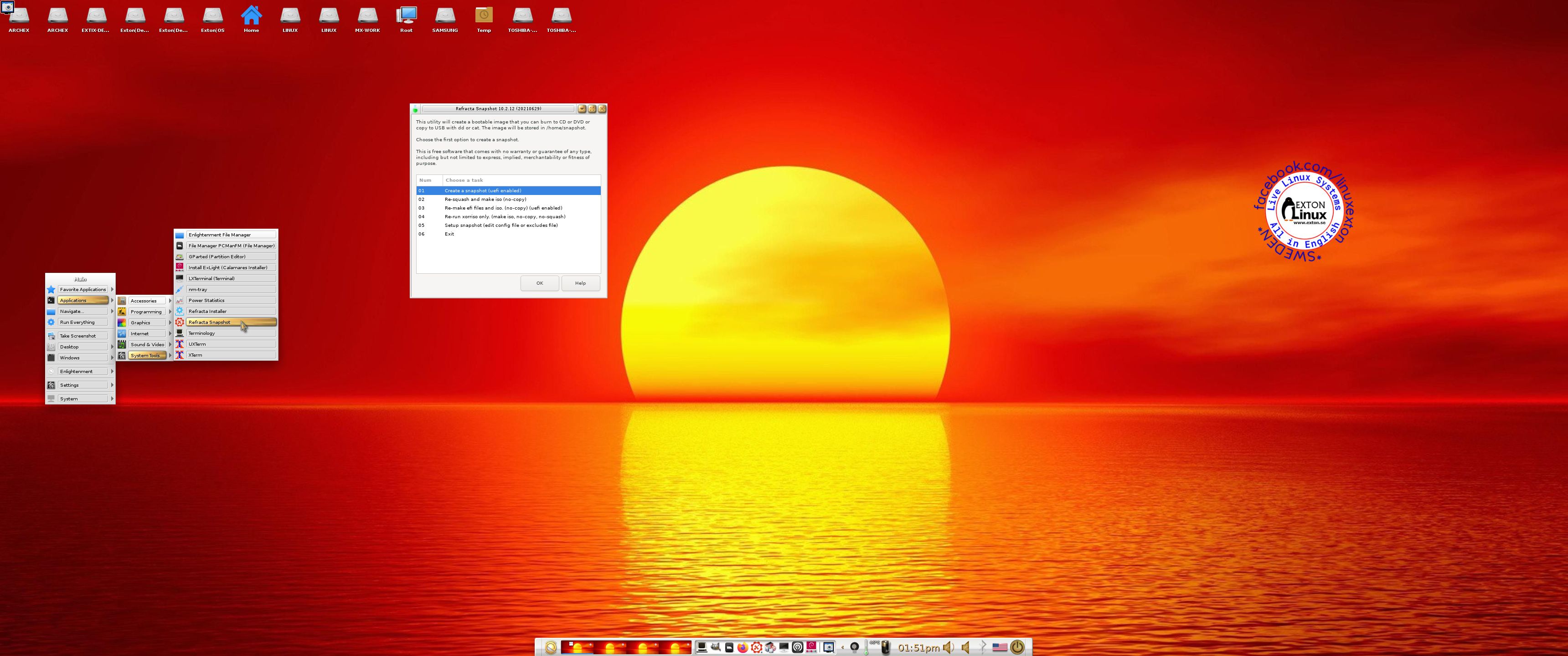
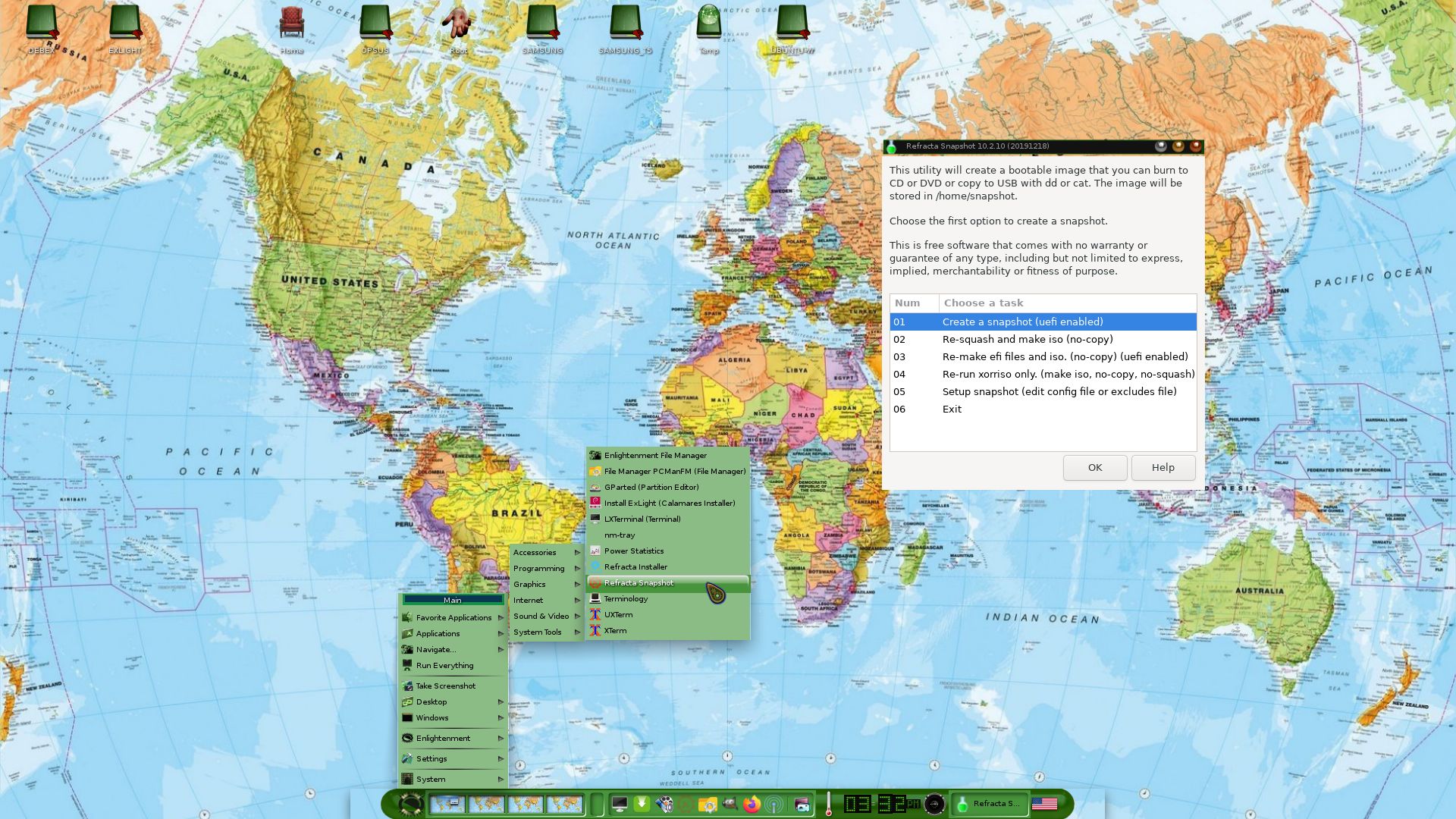
You can use Refracta Snapshot (pre-installed in ExLight) to create your own installable Debian Trixie Live System once you have installed ExLight to hard drive. I mean change everything and then create a whole new Debian live system. When you start Refracta Snapshot it will look like this. You don’t even have to install ExLight to hard drive before you can use the Refracta Snapshot. If you have plenty of RAM you can create a new (your own!) Debian system while running ExLight from DVD or a USB stick. Please note that the whole Refracta process (creating your new ISO) only will take 10 – 50 min! You’ll find the ISO in /home/snapshot. Or change that by editing /etc/refractasnapshot.conf. NOTE: You may have to run Refracta Snapshot in three steps (1 – 3) before your new ISO is ready in /home/snapshot.
THE REAL McCoy
ExLight is a pure Debian system. I.e. no traces of Ubuntu, Kubuntu etc. New releases of Ubuntu are always based on Debian Sid. So is ExLight.
KNOWN ISSUES
After a hard drive installation using Calamares Installer (Not Refracta Installer) you’ll have four “problems”.
1. /etc/apt/sources.list will be different. Replace it with the file sources.list-use-after-install
2. The root password will be gone. Fix it by logging in as the ordinary user user and run the command sudo passwd root.
3. In order to see all icons in the menu you may have to change icons – watch this screenshot. As regards Build 250407 you can change to the Papirus icons theme. Without it some menu icons won’t show.
4. You can’t login to the Enlightenment 0.27.1 Desktop unless you use a “fairly new” computer – see above.
SCREENSHOTS
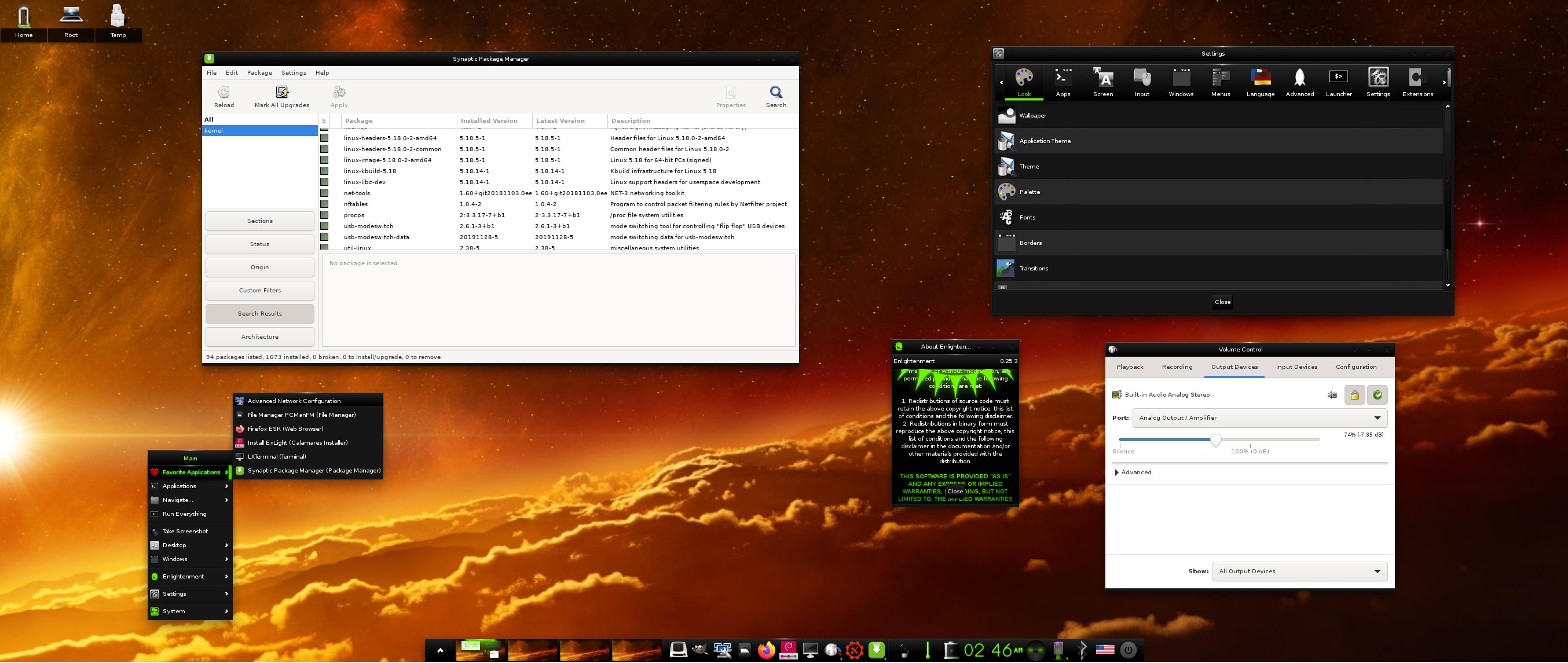
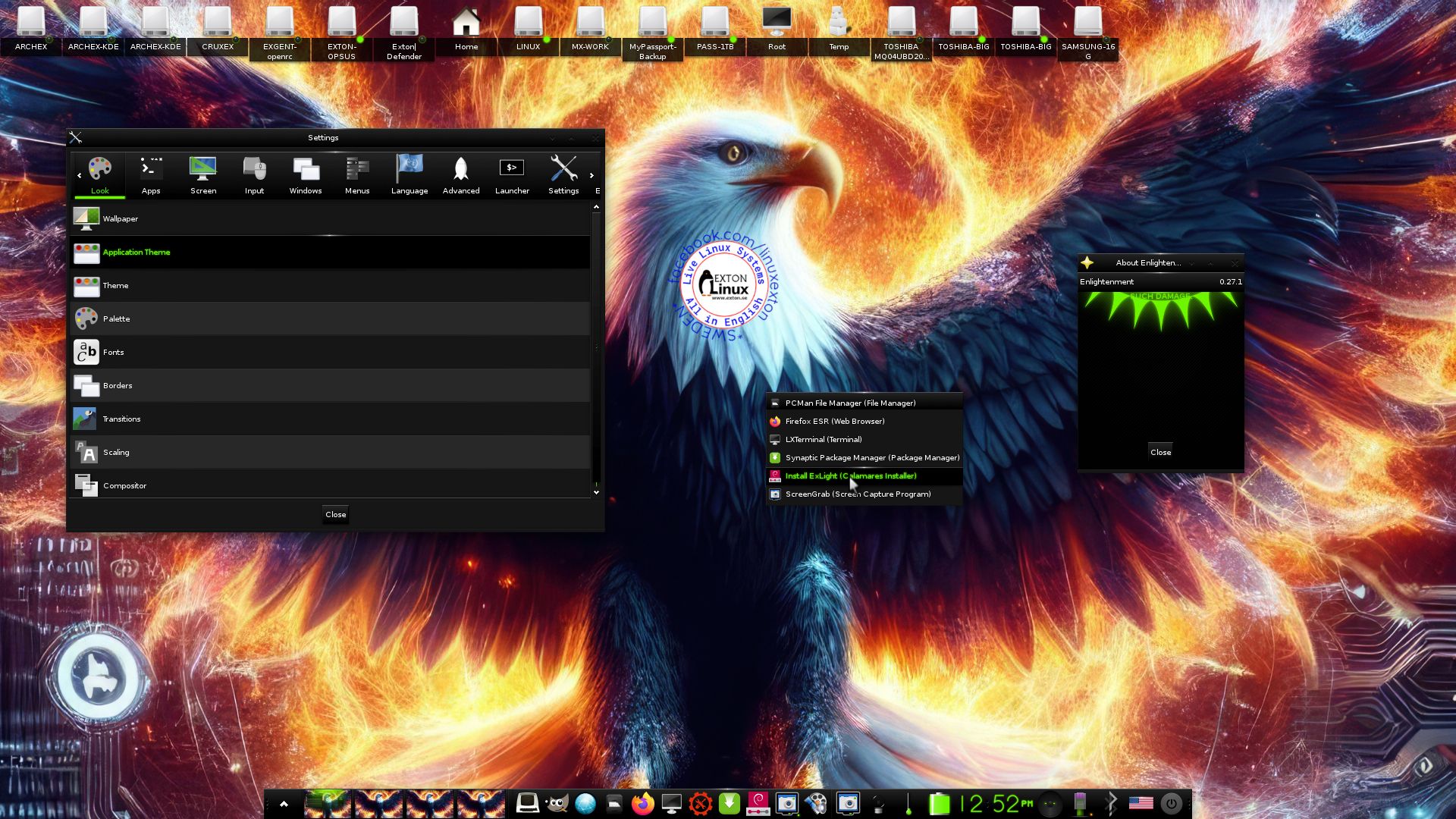
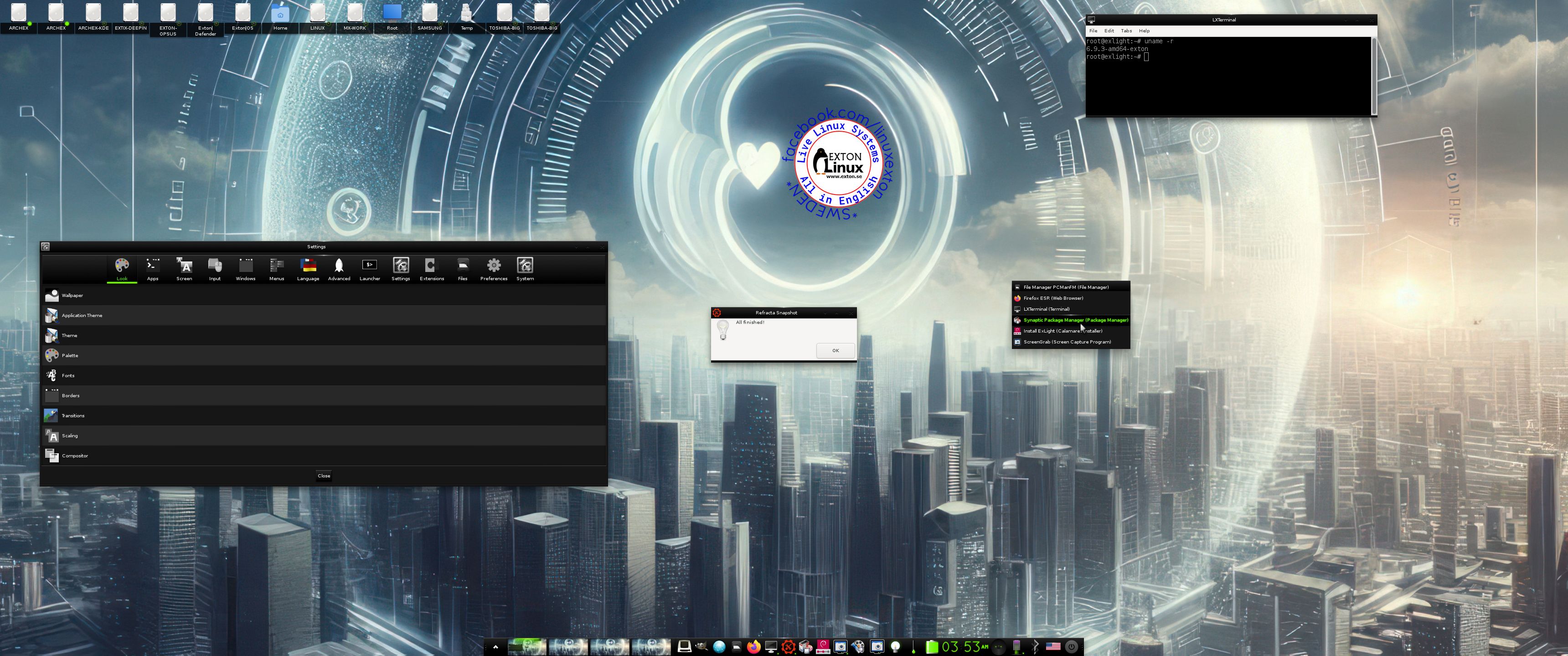
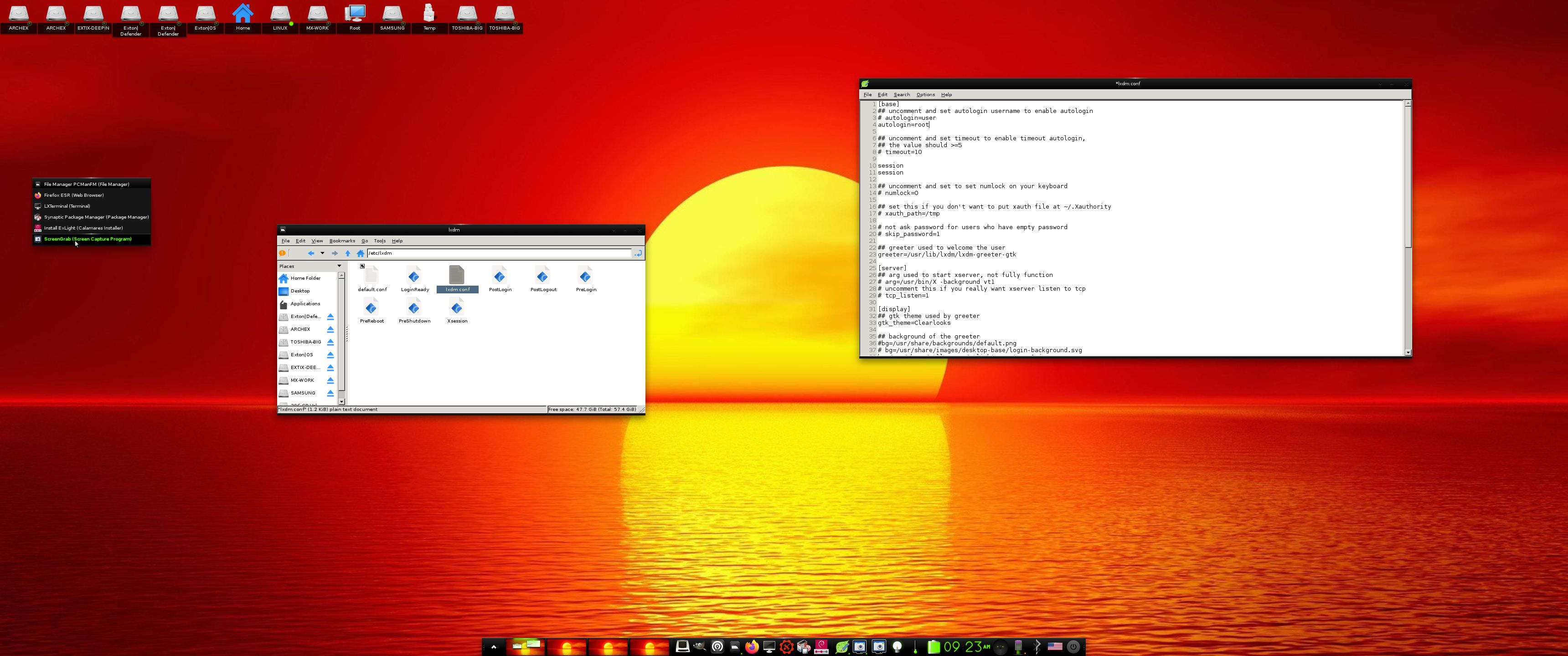
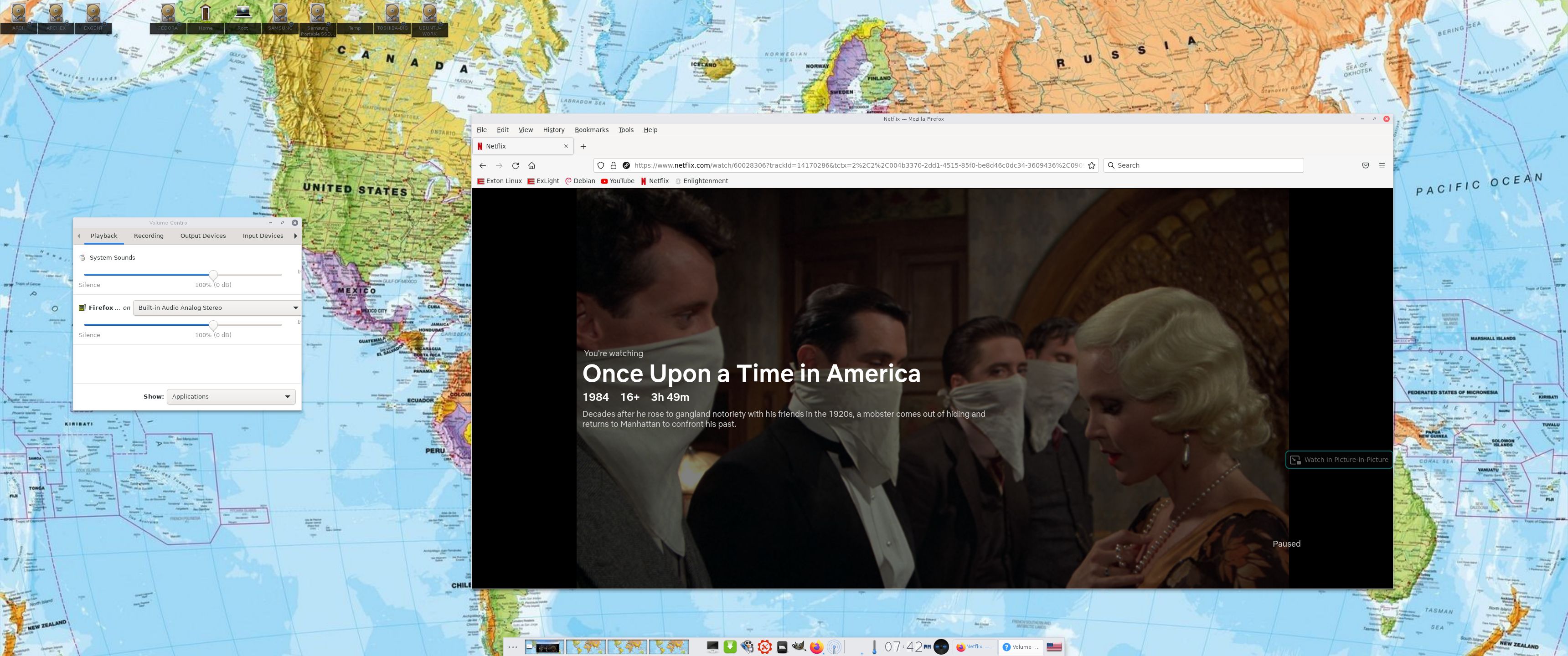
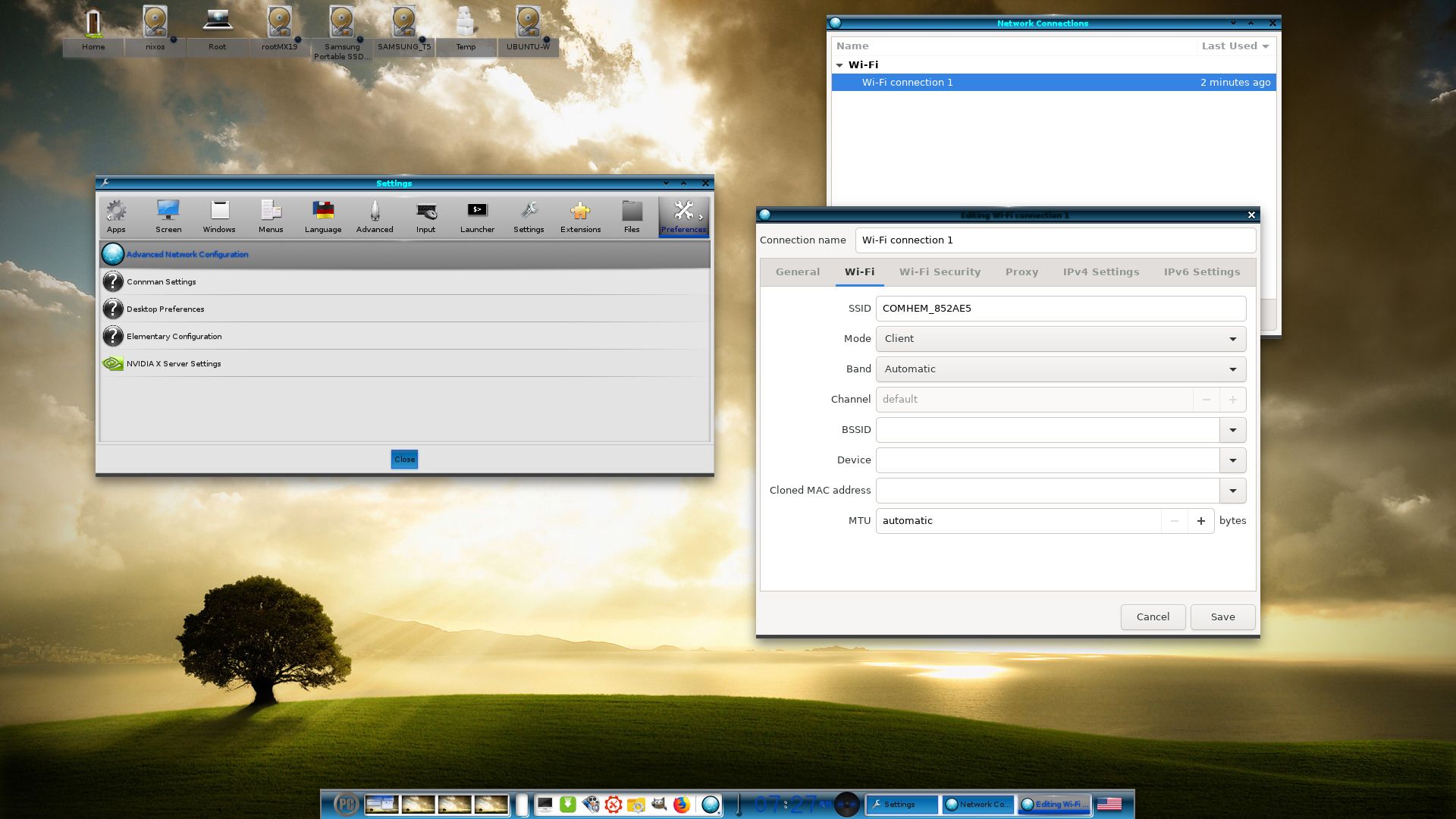
1. The Enlightenment 0.27.1 Desktop for user user
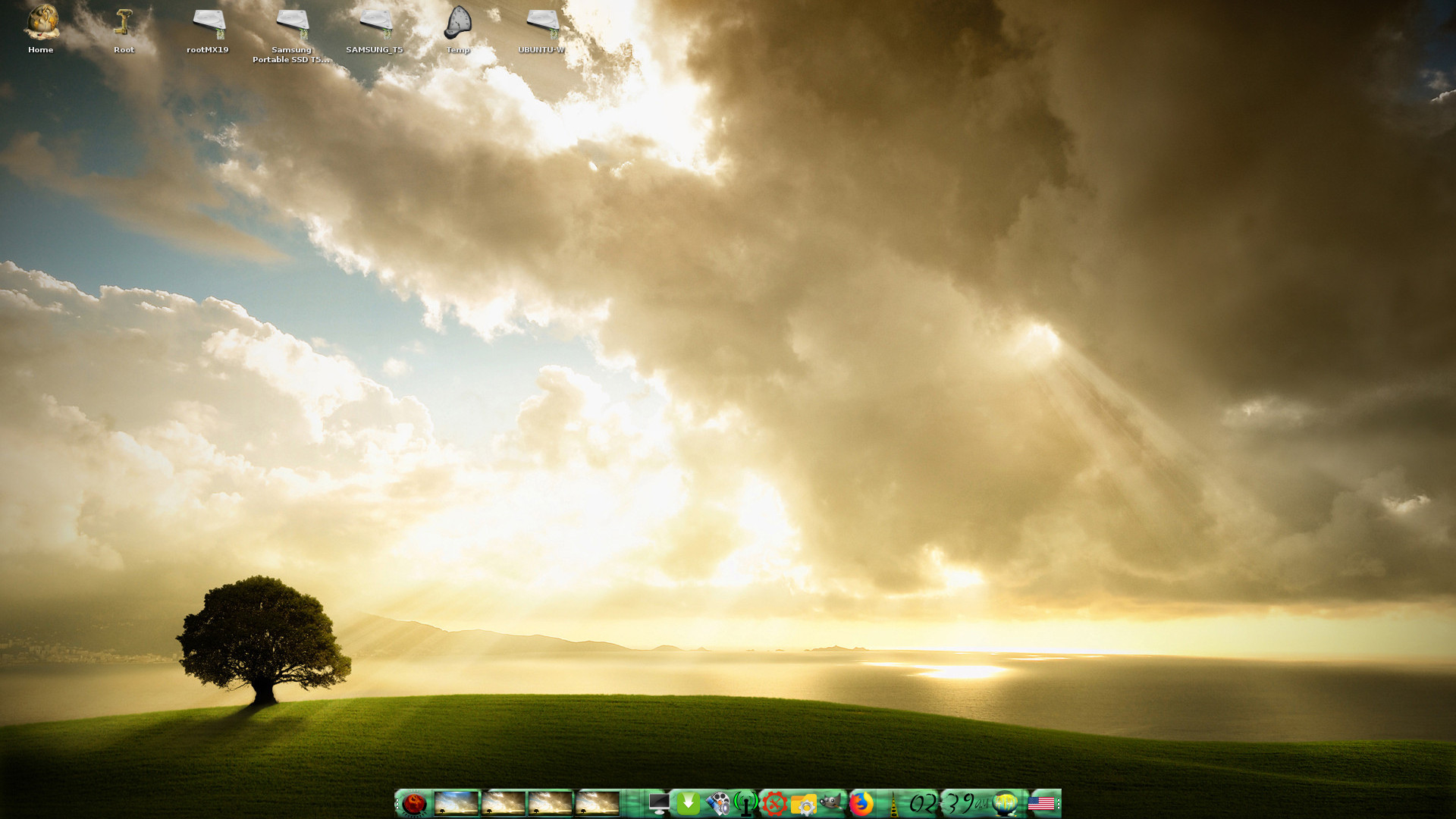
2. The Enlightenment 0.27.1 Desktop for root
3. Using NetworkManager for WiFi connections
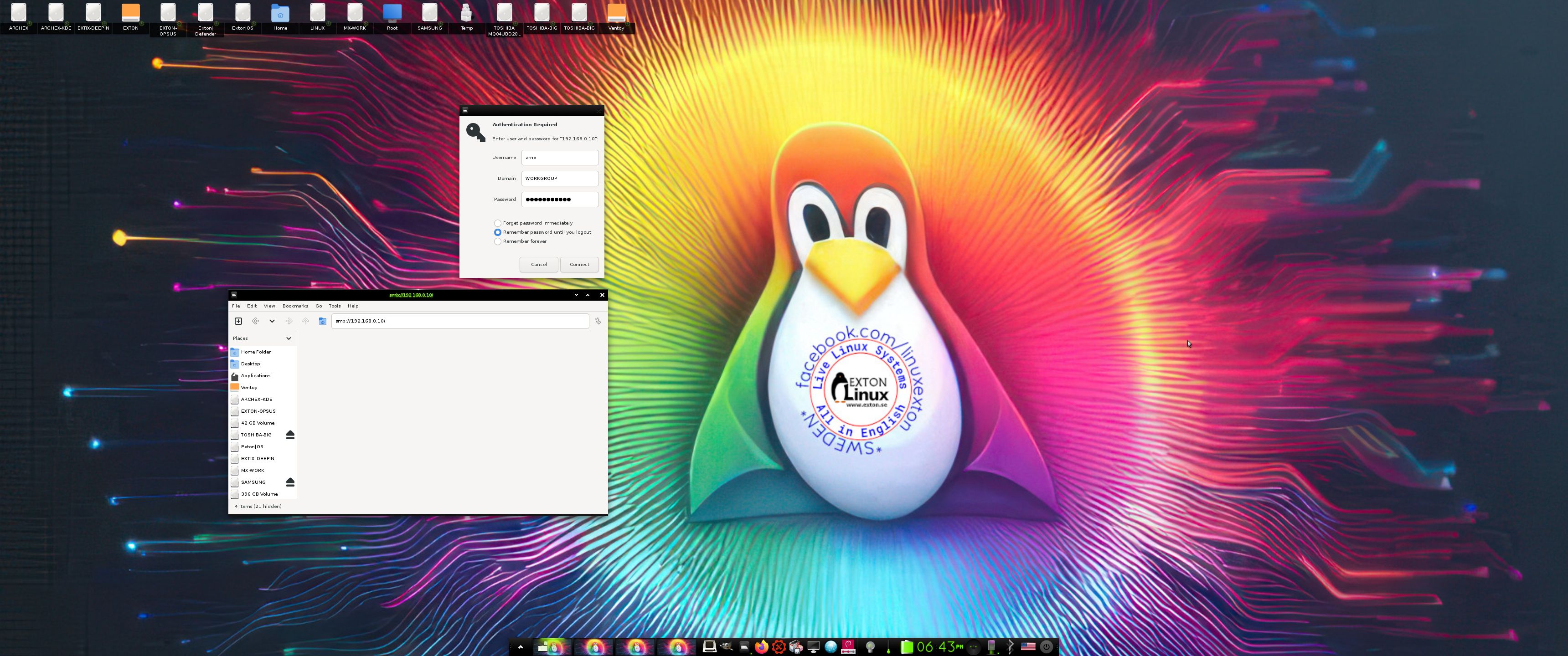
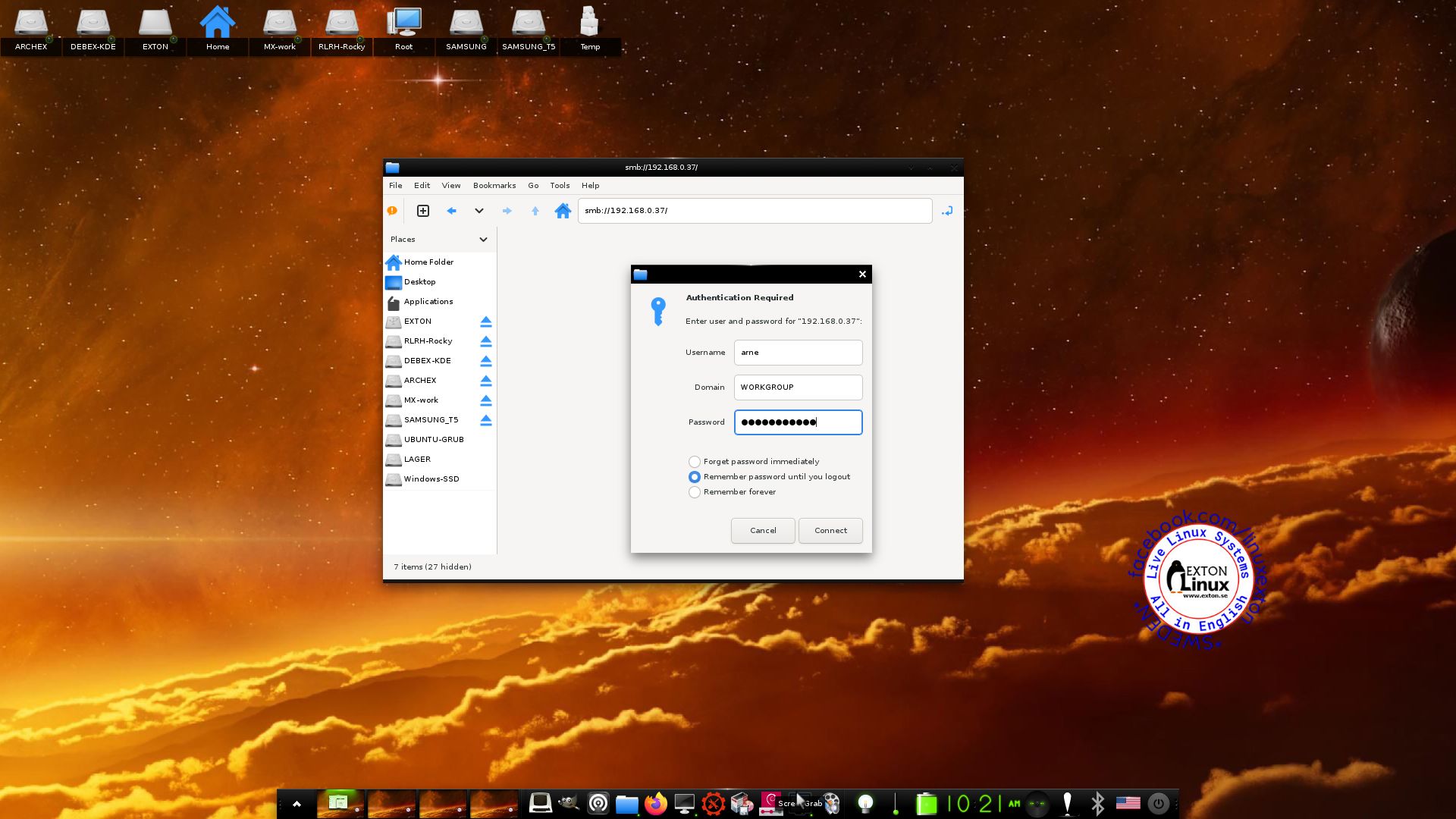
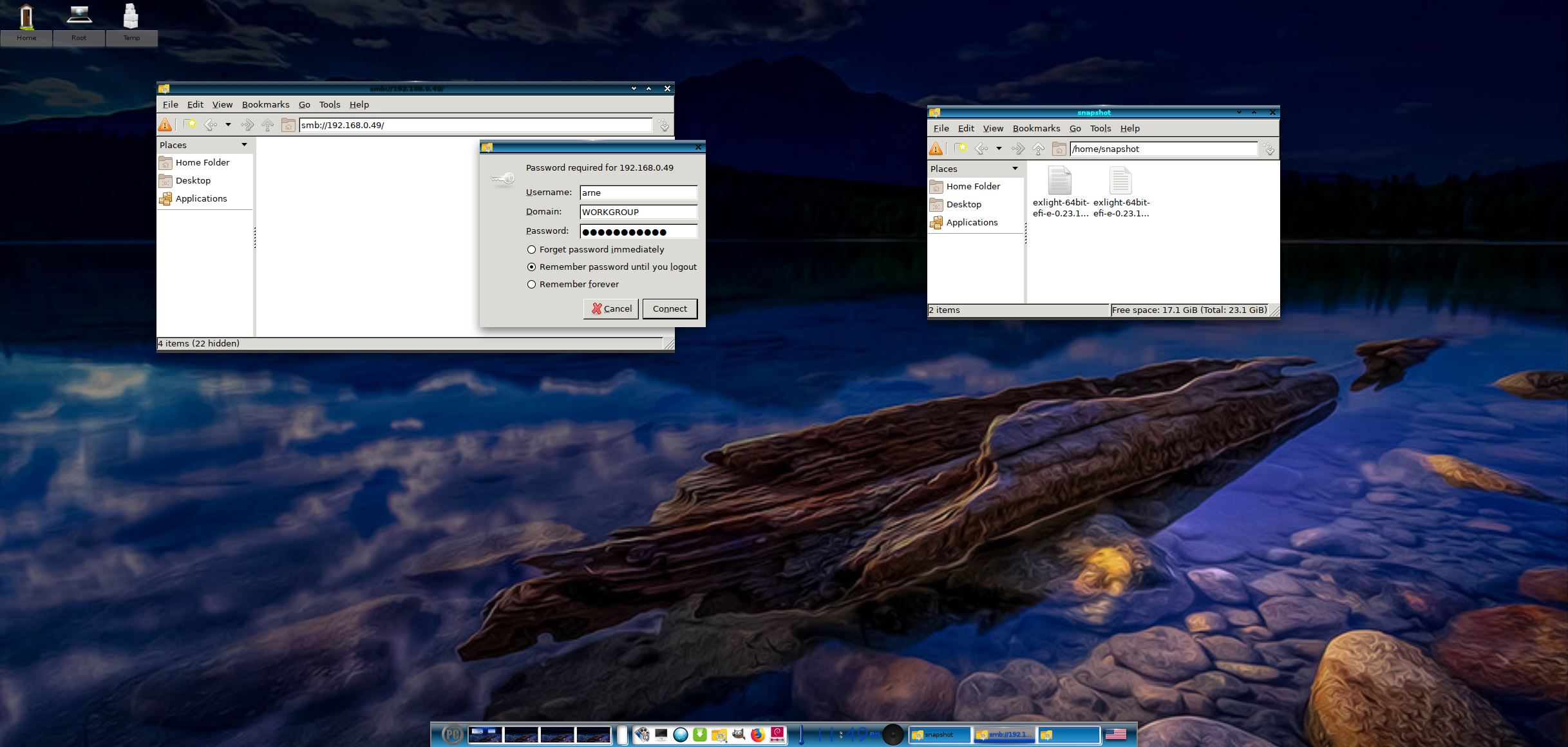
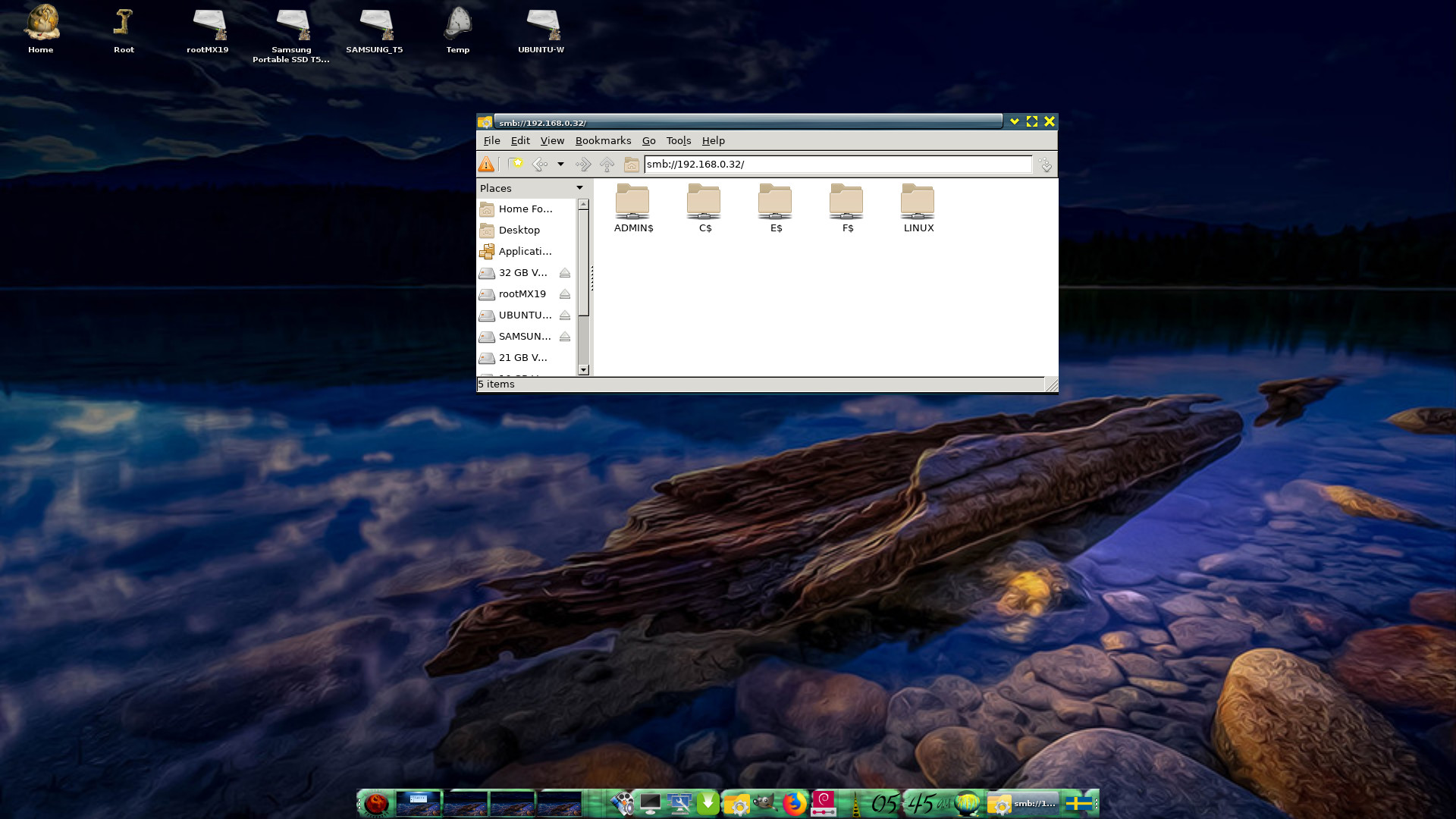
4. Showing a Samba connection
5. ExLight running in VirtualBox
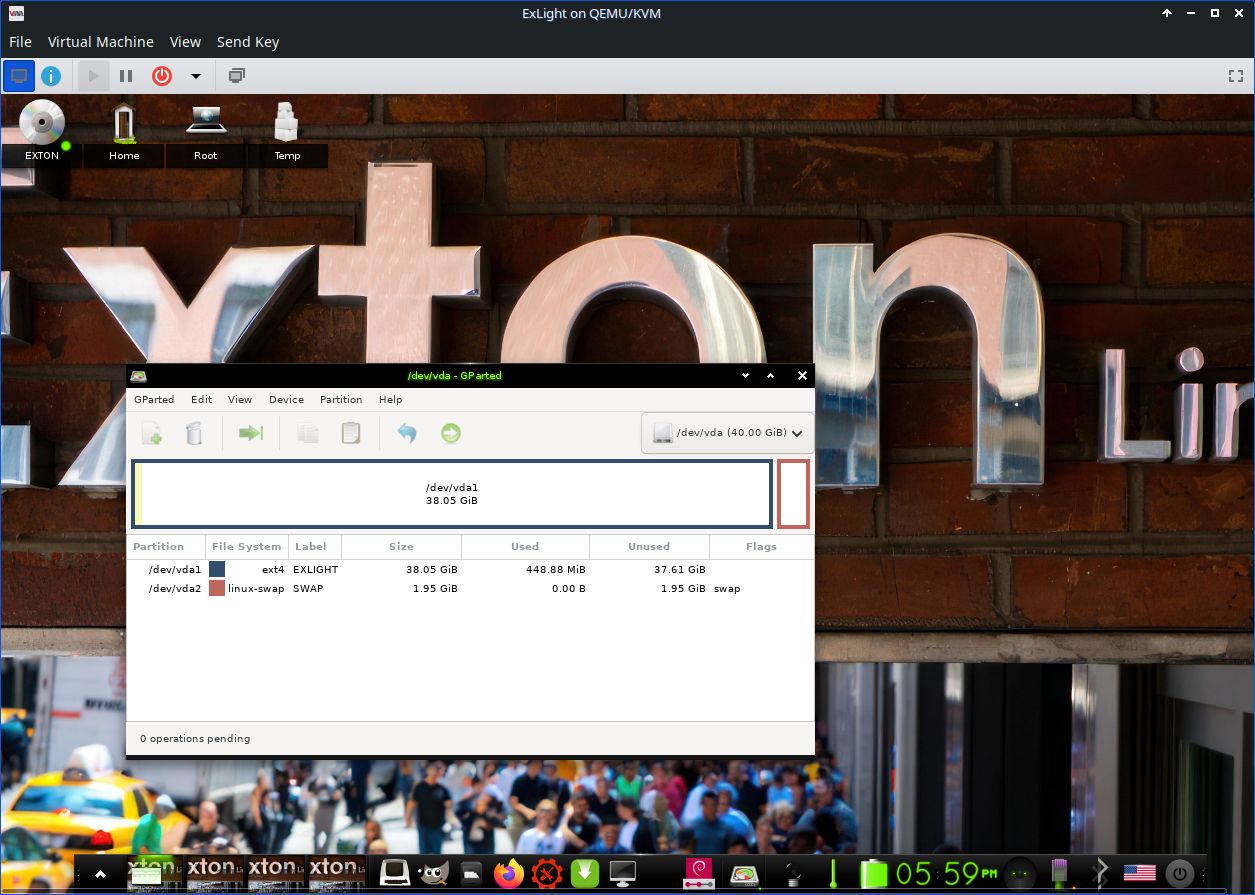
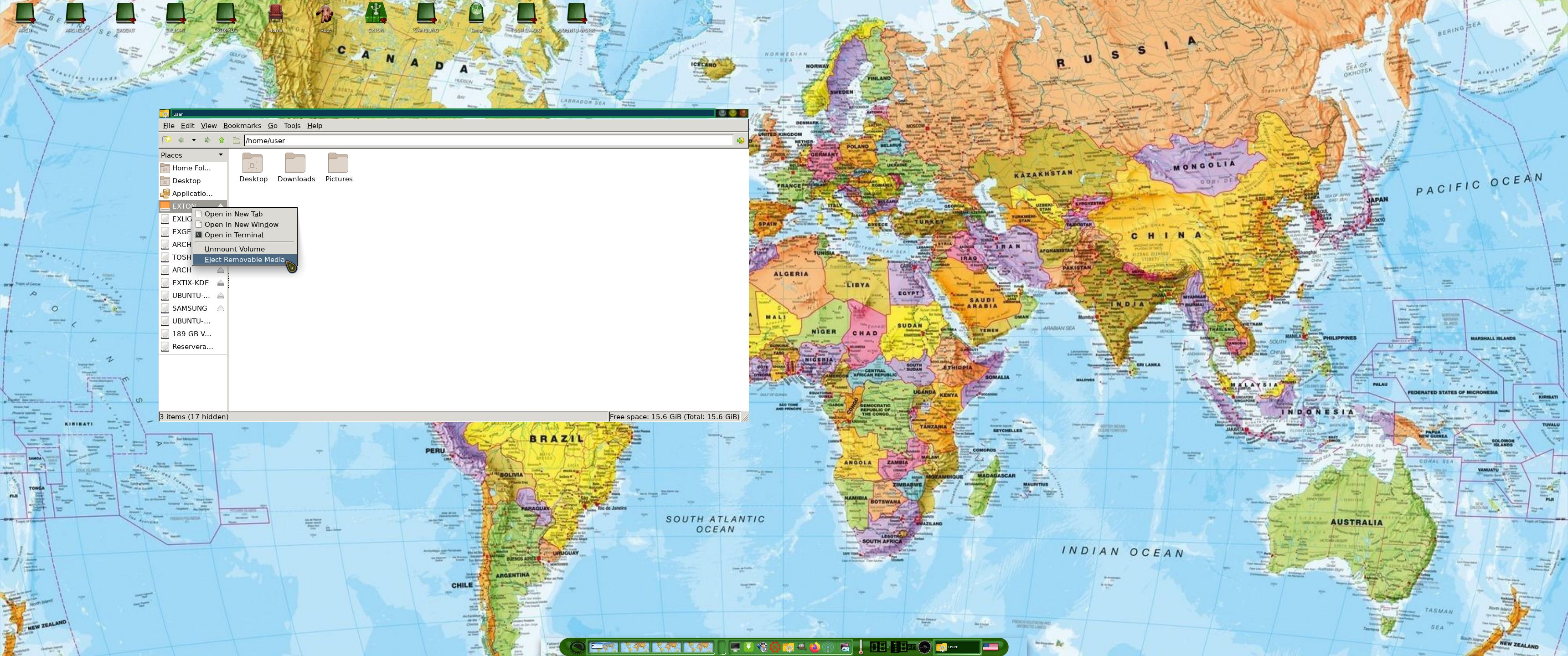
6. ExLight running in Qemu -2-user
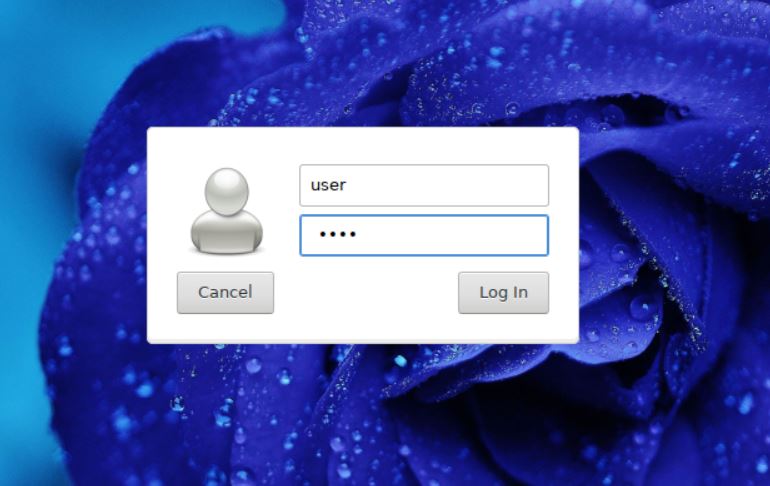
7. Showing the LightDM Login Screen
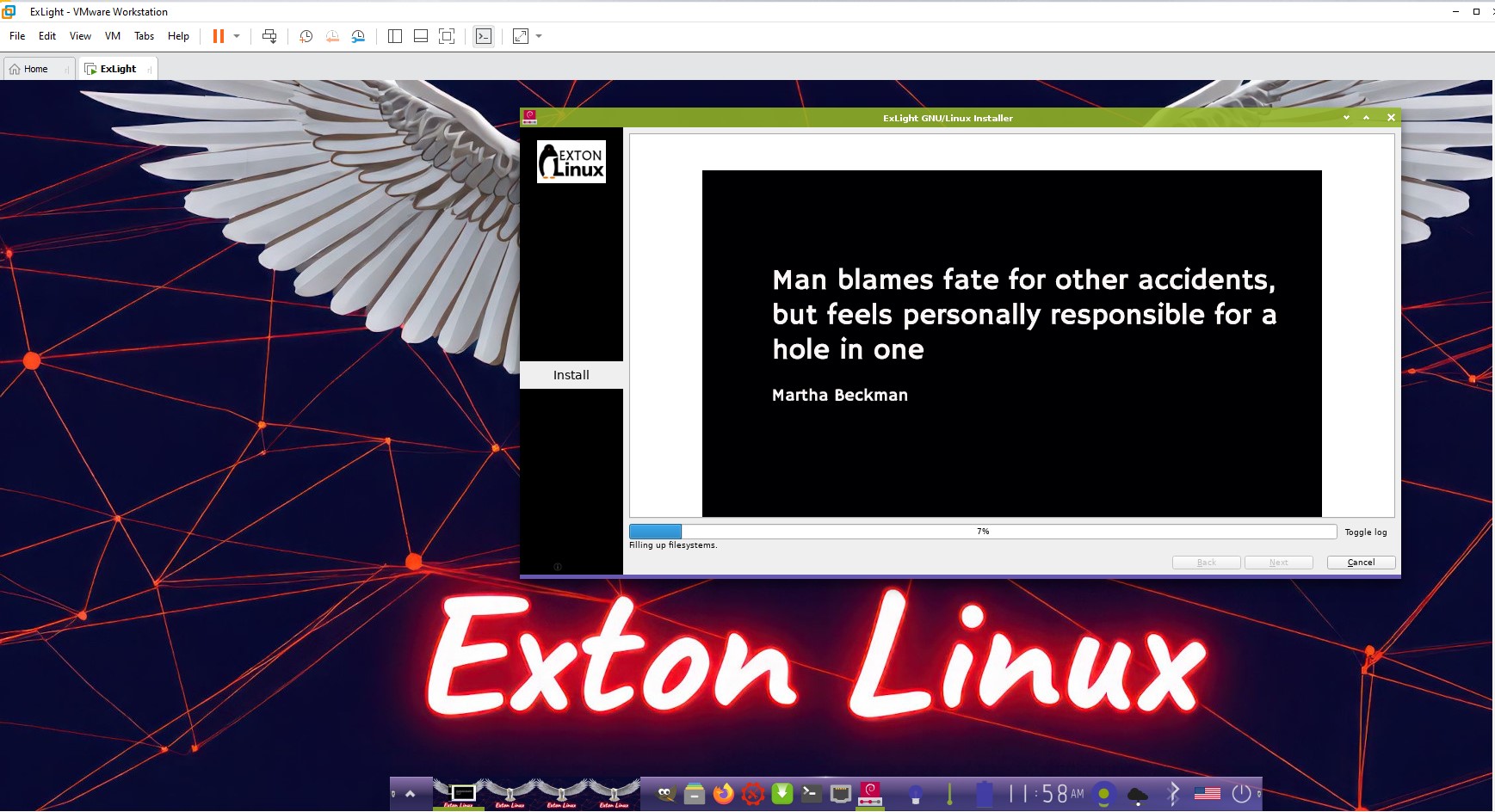
8. ExLight running in VMware
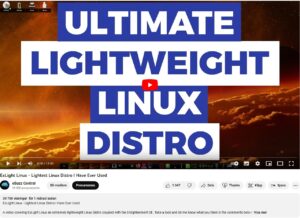
Watch a YouTube Video about ExLight…
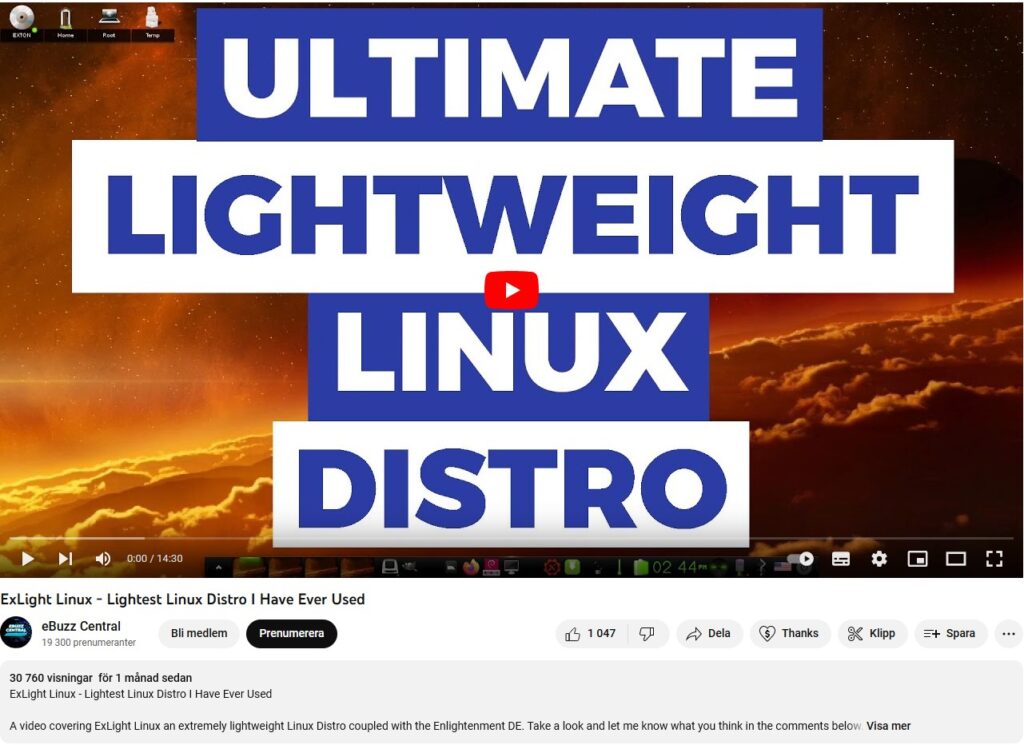
The Video is called “ExLight Linux – Lightest Distro I Have Ever Tried“. (It is not made by me).
 DOWNLOAD
ExLight Build 250407 Linux Live System can be downloaded from SourceForge.net – Fast, secure and free downloads from the largest Open Source applications and software directory.

You can also download ExLight from the Swedish Linux Society…
md5sum for exlight-64bit-trixie-efi-e-0.27.1-refracta-calamares-2490mb-250407.iso

Read about my Android-x86 Systems – 11, 10, Pie, Oreo, Nougat, Marshmallow, Lollipop and KitKat at andex.exton.net – latest is AndEX 11 (with GAPPS), AndEX 10 (with GAPPS) and AndEX Pie 9.0 (also with GAPPS)!
and
about my Android 15, 14, 13, 12, 11, 10, Pie, Oreo, Nougat, Marshmallow and Lollipop versions for Raspberry Pi 5, Pi 4 and Pi 3/2 at raspex.exton.se – latest is RaspAnd 15 (with GAPPS), RaspAnd 14 (also with GAPPS), 13 and 12 (without GAPPS), RaspAnd 11 (with GAPPS) and RaspAnd Oreo 8.1 (also with GAPPS)!